Admin Template · Modern UI · Developer Friendly
Ship Your Project in Days, Not Months
The professional starting point for your next SaaS. Built on React 19 and TypeScript, Katalyst delivers a scalable, high-performance admin architecture with over 50 pre-built screens, designed to grow with your business from day one.
- Production-ready layouts for SaaS, analytics & internal tools
- Modern stack, clean structure, easy to extend
- Full auth flows with MFA, password reset & email verification
- Light & dark themes with accessible color contrast

Built for Teams That Ship Real Products
Whether you're launching a SaaS, building internal tools, or delivering client projects, Katalyst gives you months of development work out of the box.
SaaS & Product Teams
Launch admin portals, customer dashboards, and billing views in days. Katalyst includes user management, team settings, notifications, and analytics — ready to connect to your API.
Agencies & Freelancers
Deliver polished admin interfaces faster. Reuse the same high-quality foundation across projects while customizing the brand, colors, and layouts for each client.
Internal Tools & Ops
Build operations dashboards for support, logistics, finance, and HR without starting from scratch. Every screen follows consistent UX patterns.
Startups & MVPs
Get to market faster with a professional-grade admin UI. Focus your engineering time on your core product while Katalyst handles the dashboard experience.
Everything You Need to Build a Complete Product
Katalyst isn't a collection of disconnected screens — it's a fully wired application with real navigation, data flows, and state management.
Dashboards
4Executive, Sales, E-commerce, Projects
App Modules
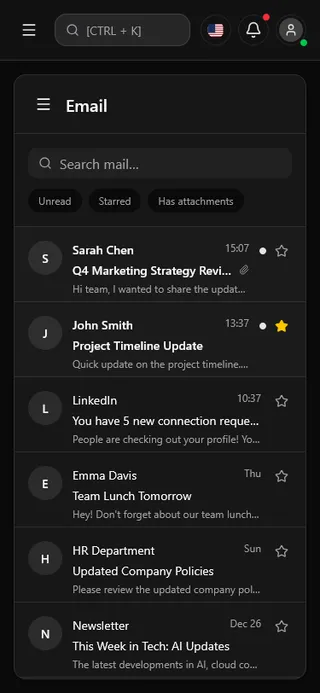
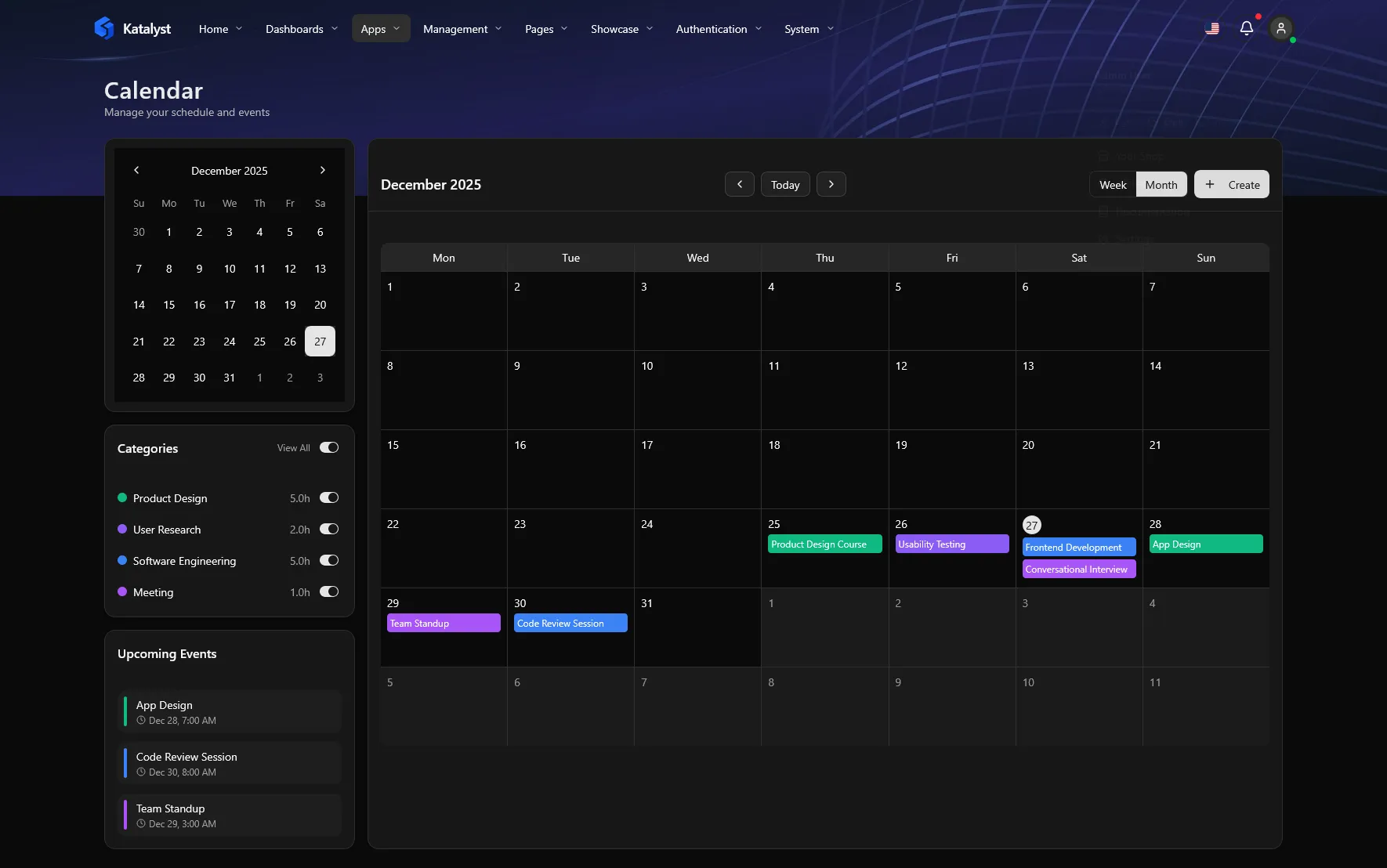
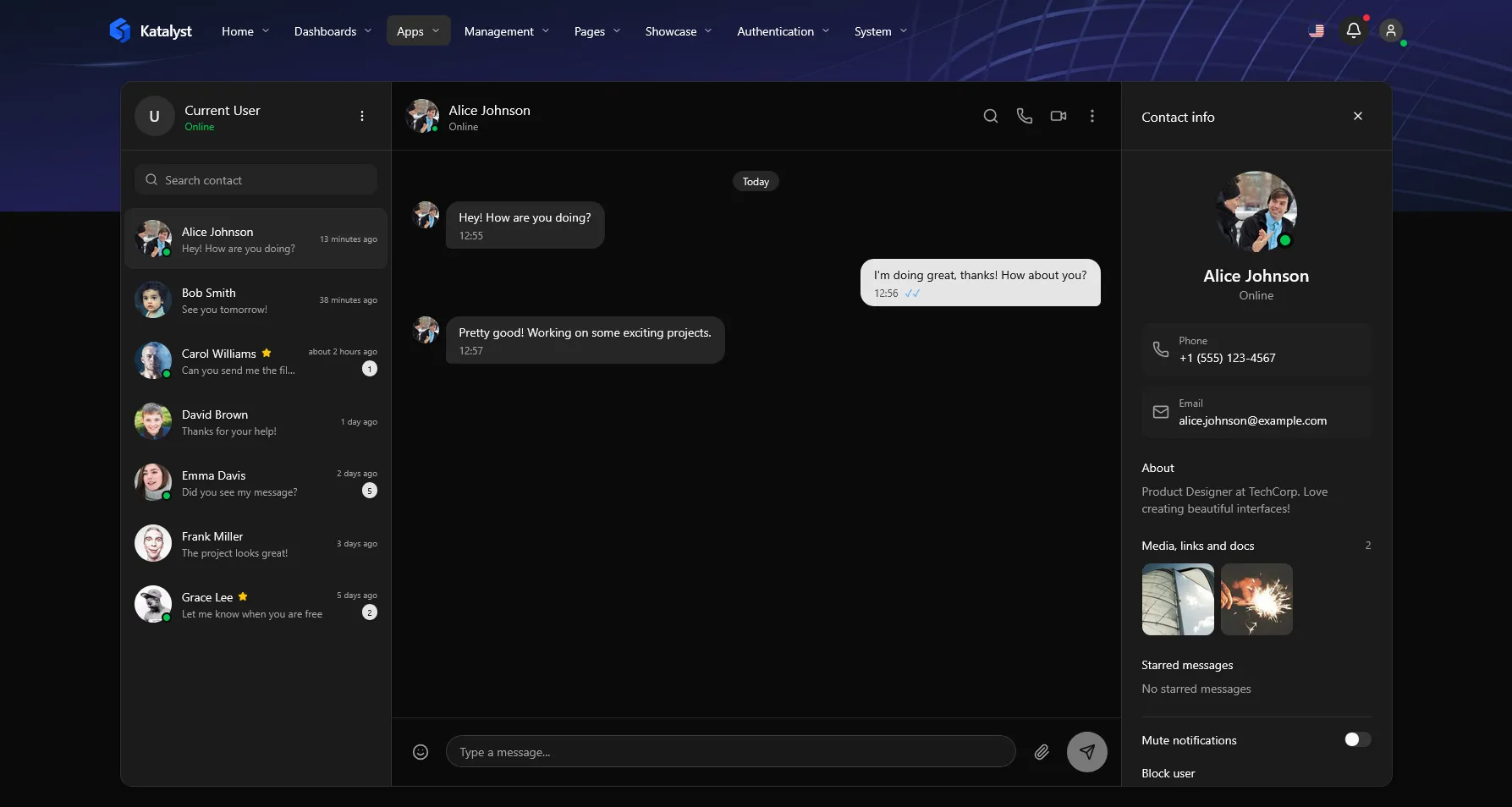
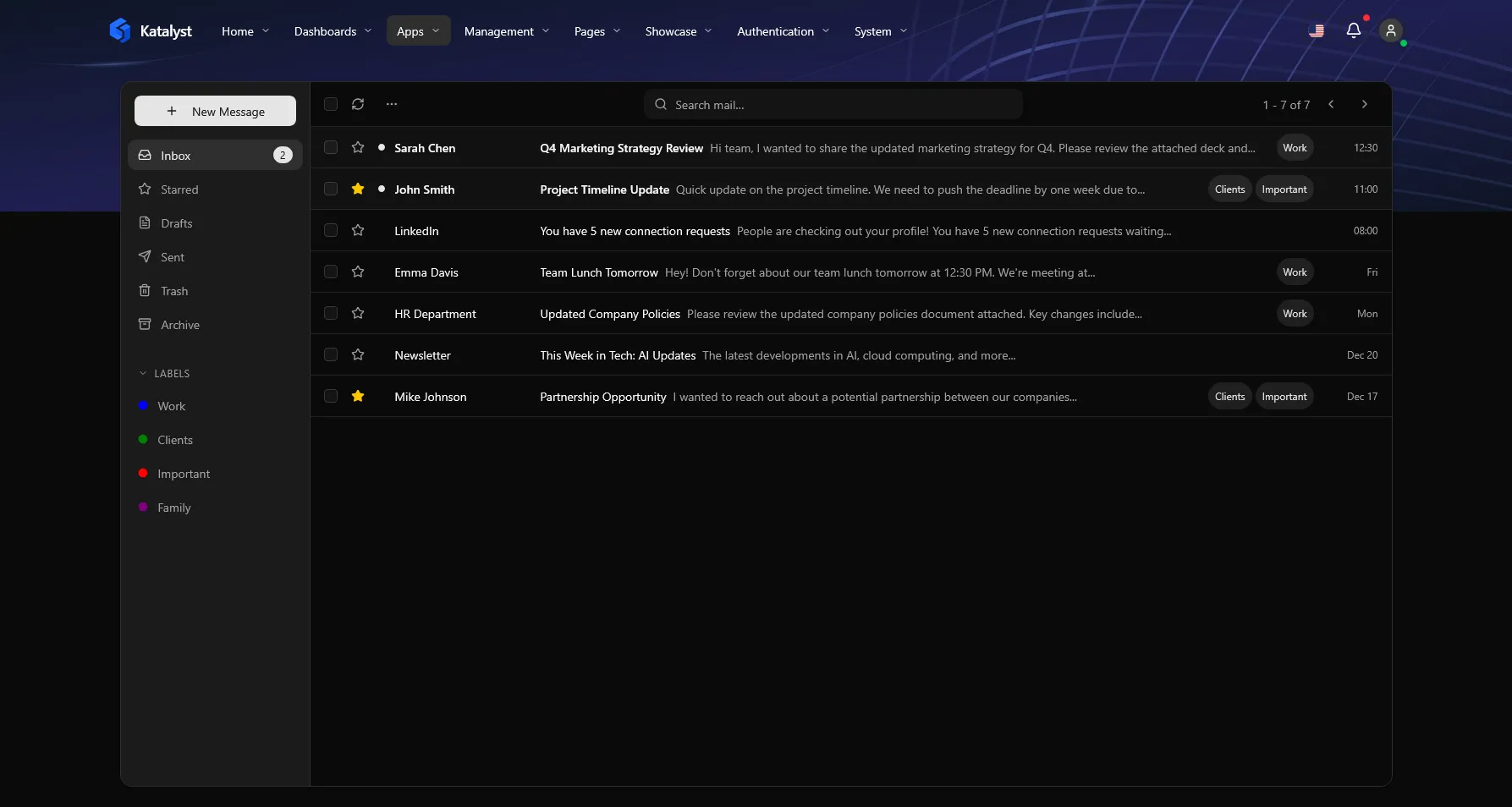
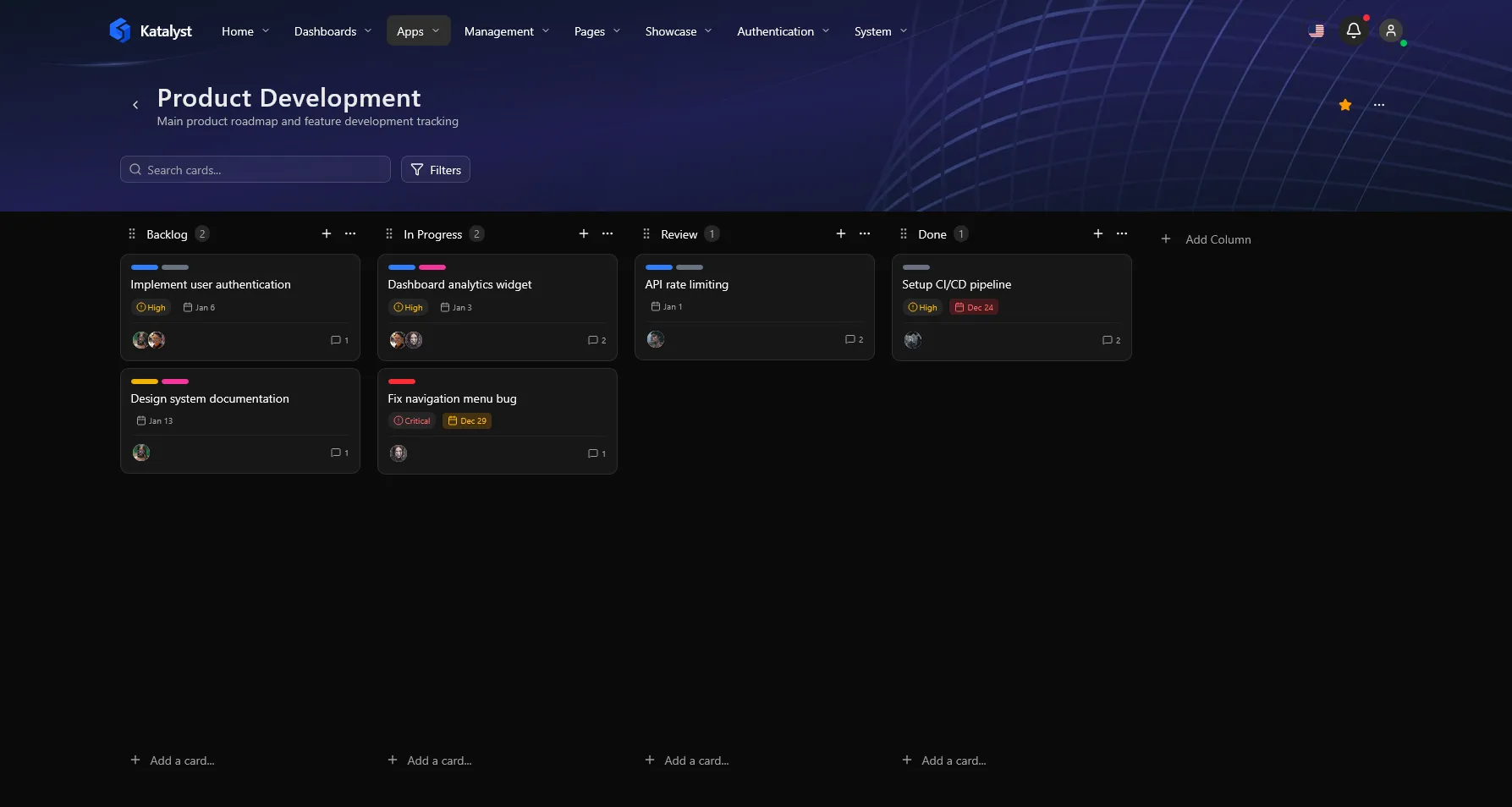
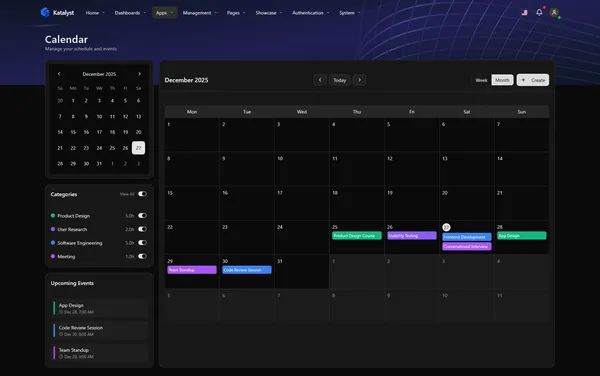
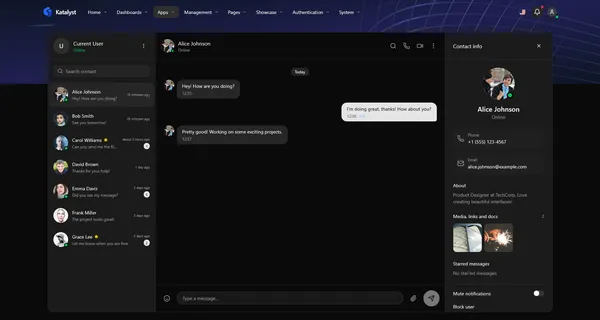
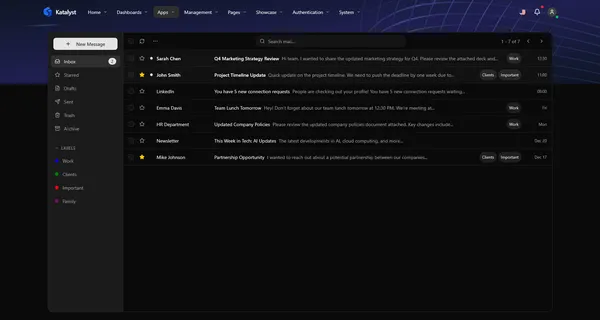
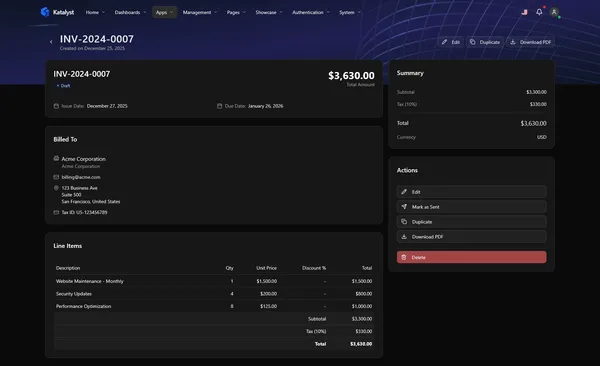
5Calendar, Chat, Email, Kanban, Invoicing
Management
4Users, Teams, Notifications, Activity
Auth Flows
7Login, Register, Reset, MFA & more
Settings
7Profile, Account, Billing, Security
Utility Pages
4404, 500, Maintenance, Empty States
50+ screens organized into logical modules, all connected with React Router and ready to integrate with your backend.
Why Developers Choose Katalyst
There are hundreds of admin templates. Katalyst stands out because it's built like a real product — with clean architecture, type safety, and patterns that scale.
Engineered for Scale
The architecture you'd build if you had 3 months to plan. Domain-driven folder structure that keeps your code clean as your team grows.
Type-Safe Confidence
Written in strict TypeScript. Catch errors at compile time, enjoy full IntelliSense, and never guess what props a component needs.
No More useEffect Chaos
State management solved with TanStack Query. Automatic caching, background re-fetching, and optimistic updates are baked in.
Premium Native Feel
Designed, not just inverted. Semantic color tokens ensure every screen looks stunning in both light and dark modes.
Auth & Routing Solved
Don't waste time on setup. Complete authentication flows, protected routes, and 404 handling are fully implemented.
Enterprise Compliant
Built on Radix UI primitives. Full keyboard navigation and ARIA support mean your app is accessible from day one.
Responsive by Nature
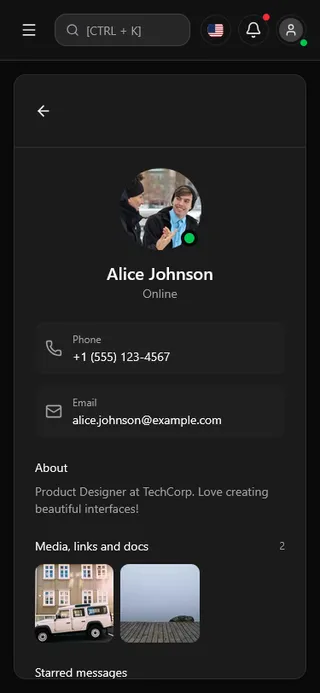
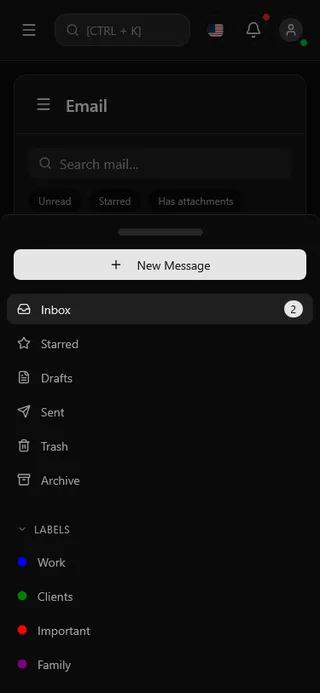
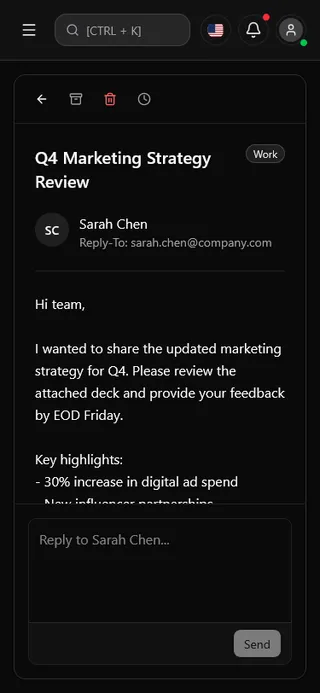
Your dashboard travels with you. Complex data visualizations adapt intelligently to tablets and phones.
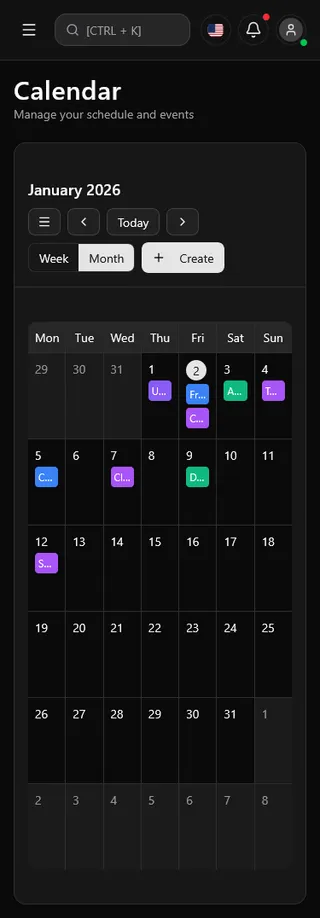
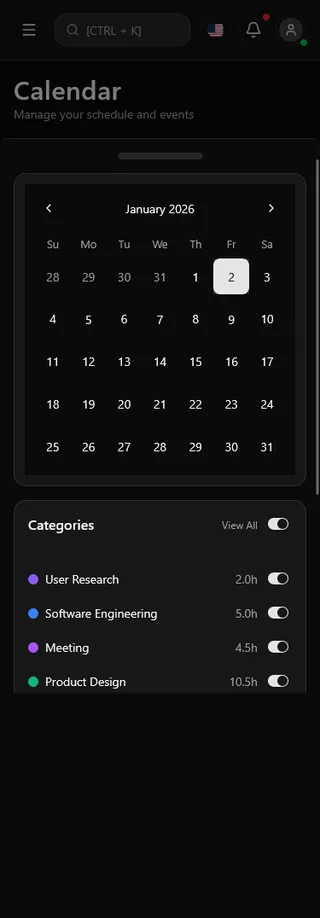
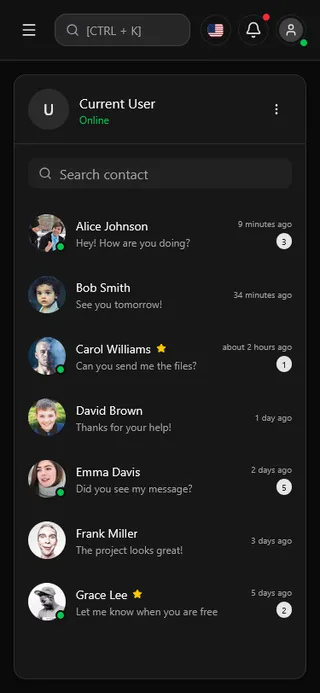
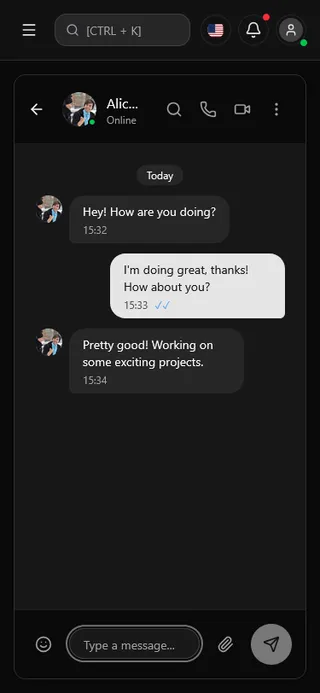
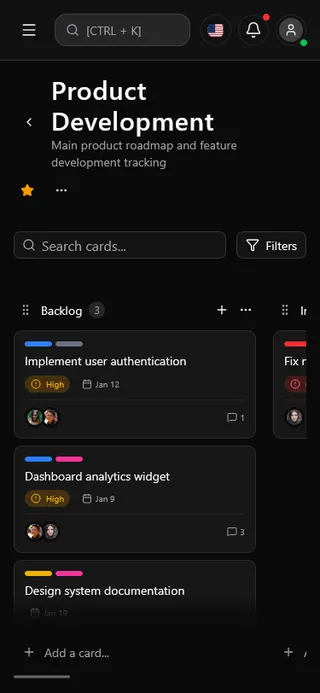
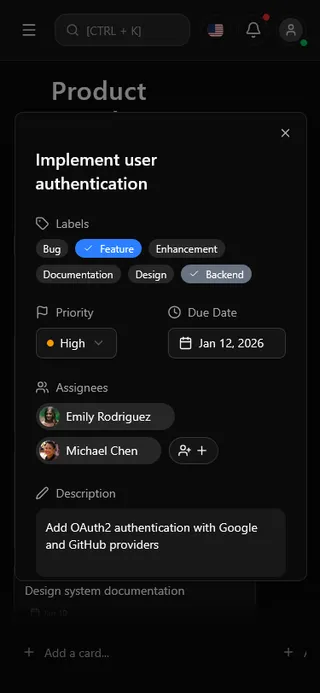








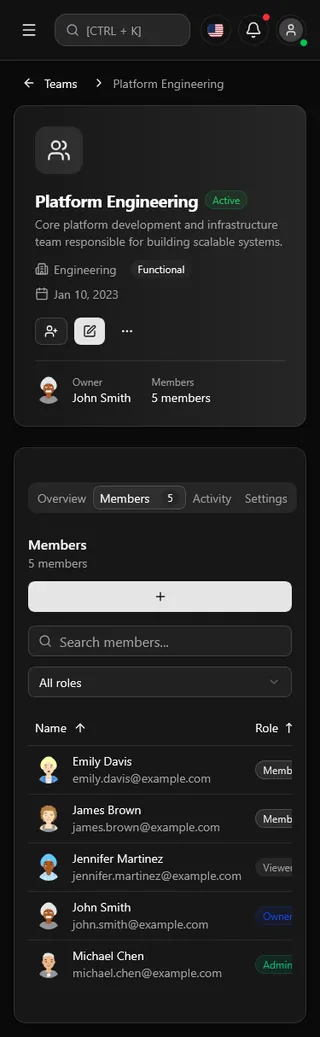
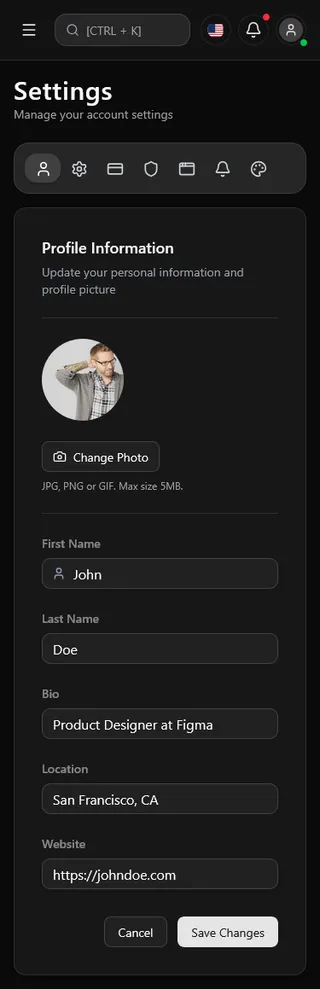

Turnkey Business Logic, Not Just UI Kits
These aren't mockups — they're fully functional app modules with state management, API integration patterns, and real UX flows.
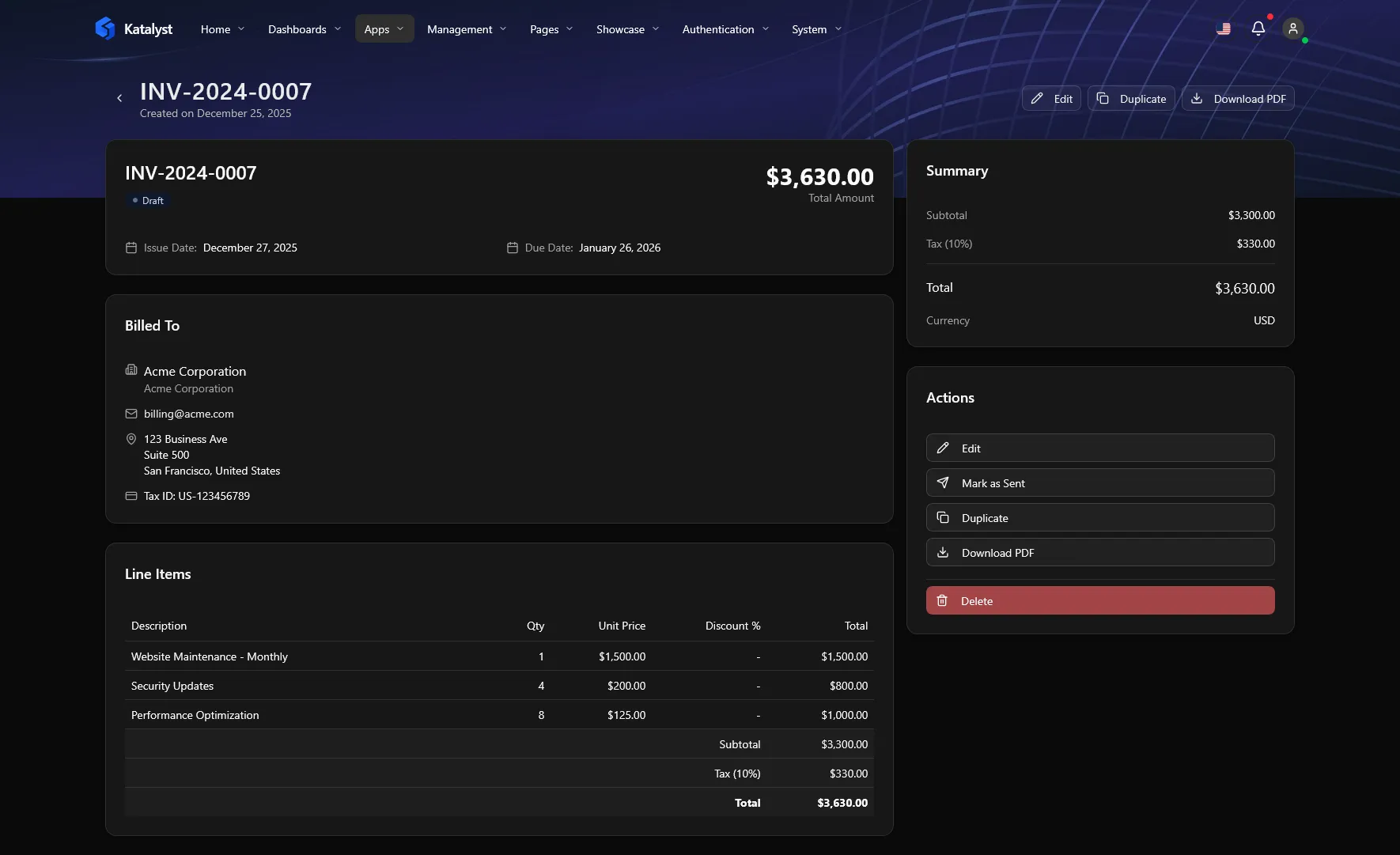
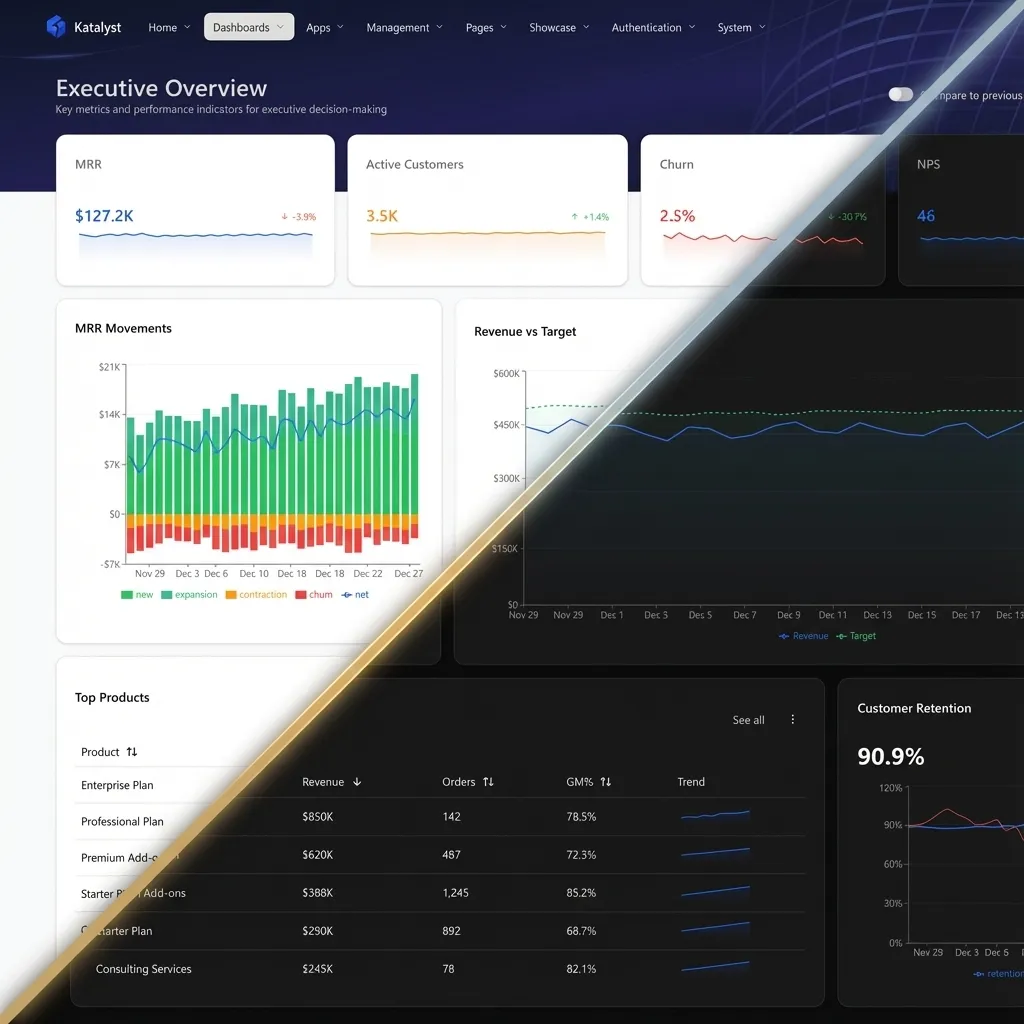
Light for Focus. Dark for Depth.
Katalyst isn't just inverted colors. We use semantic tokens to ensure every pixel looks native in any environment.
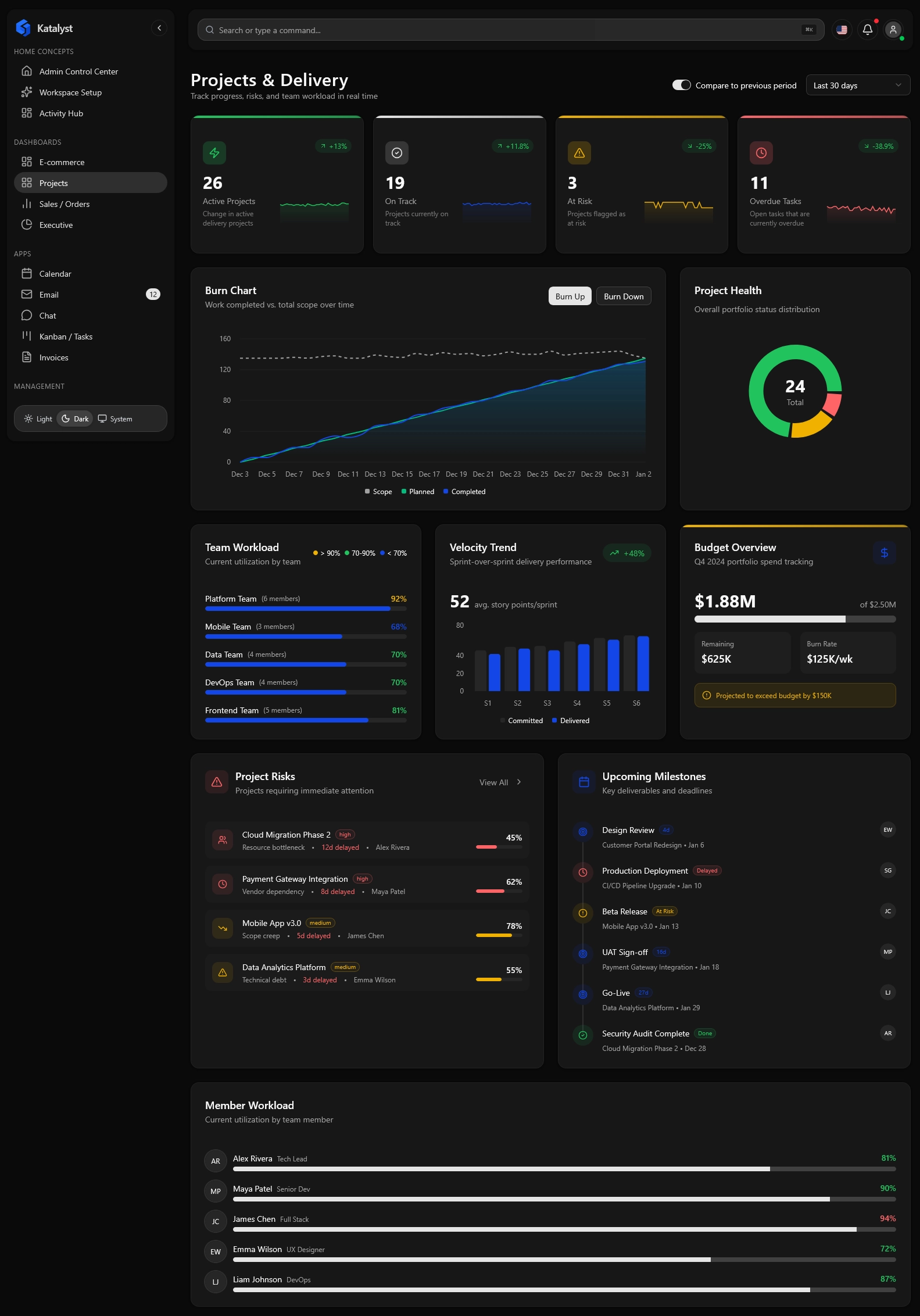
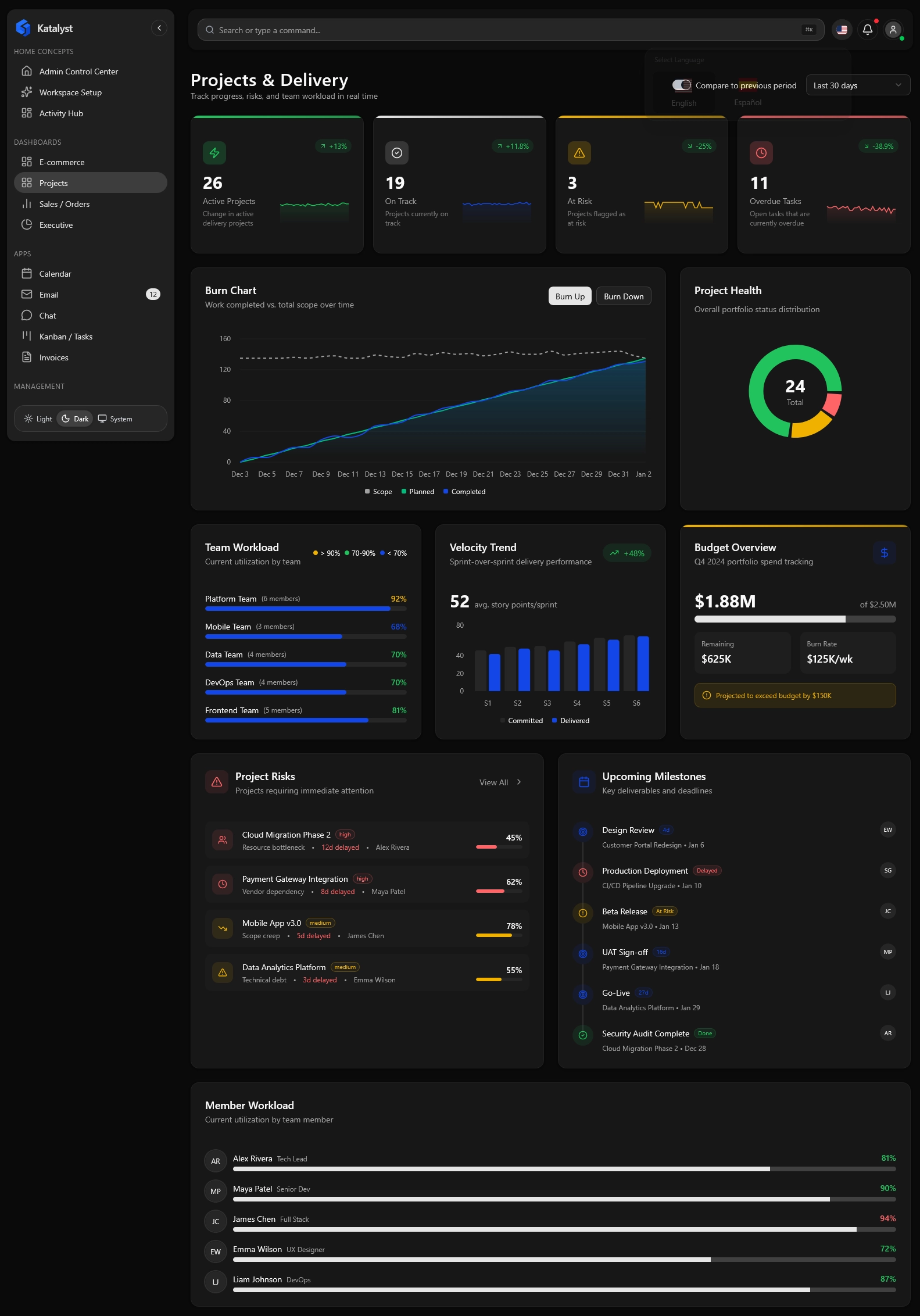
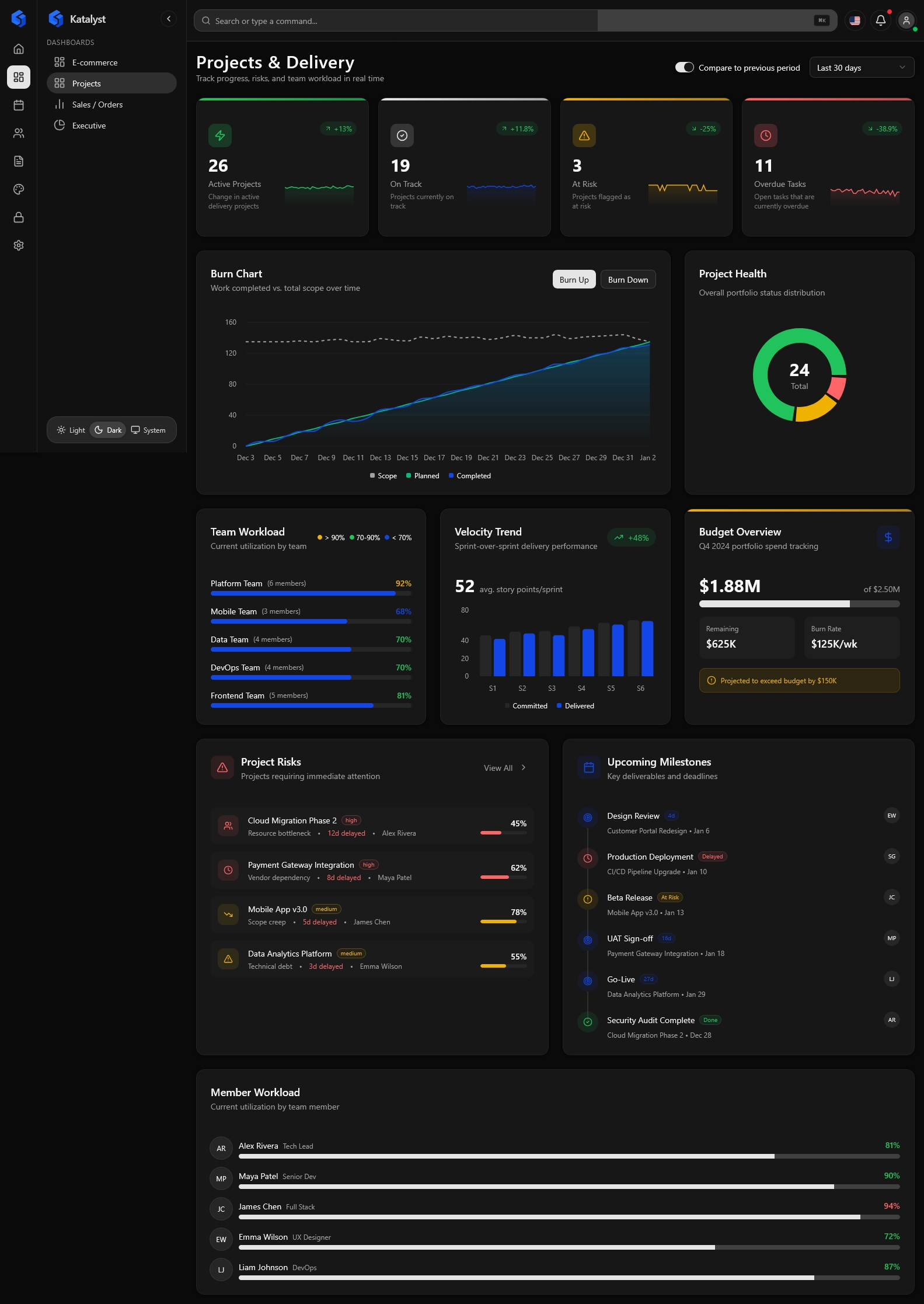
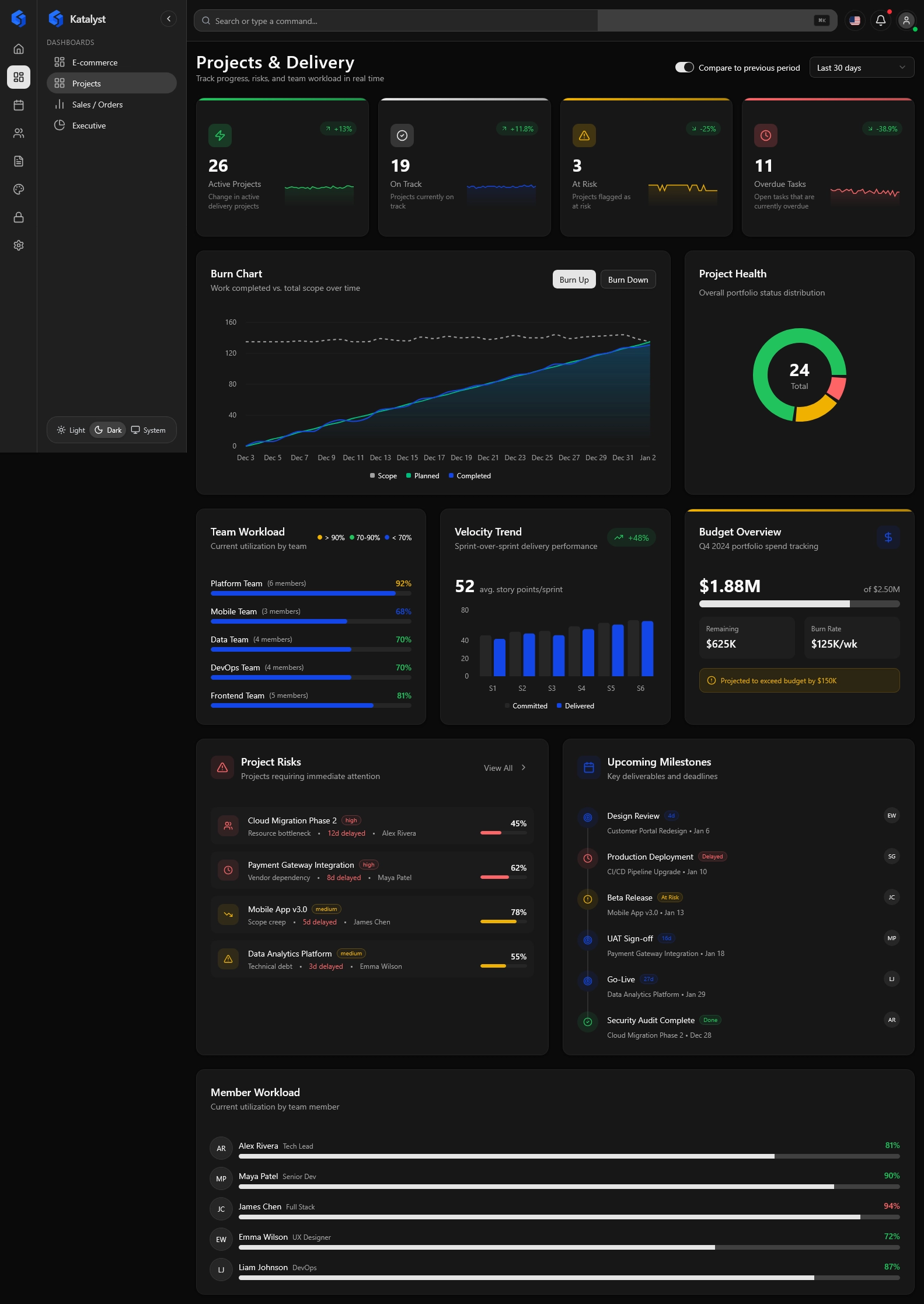
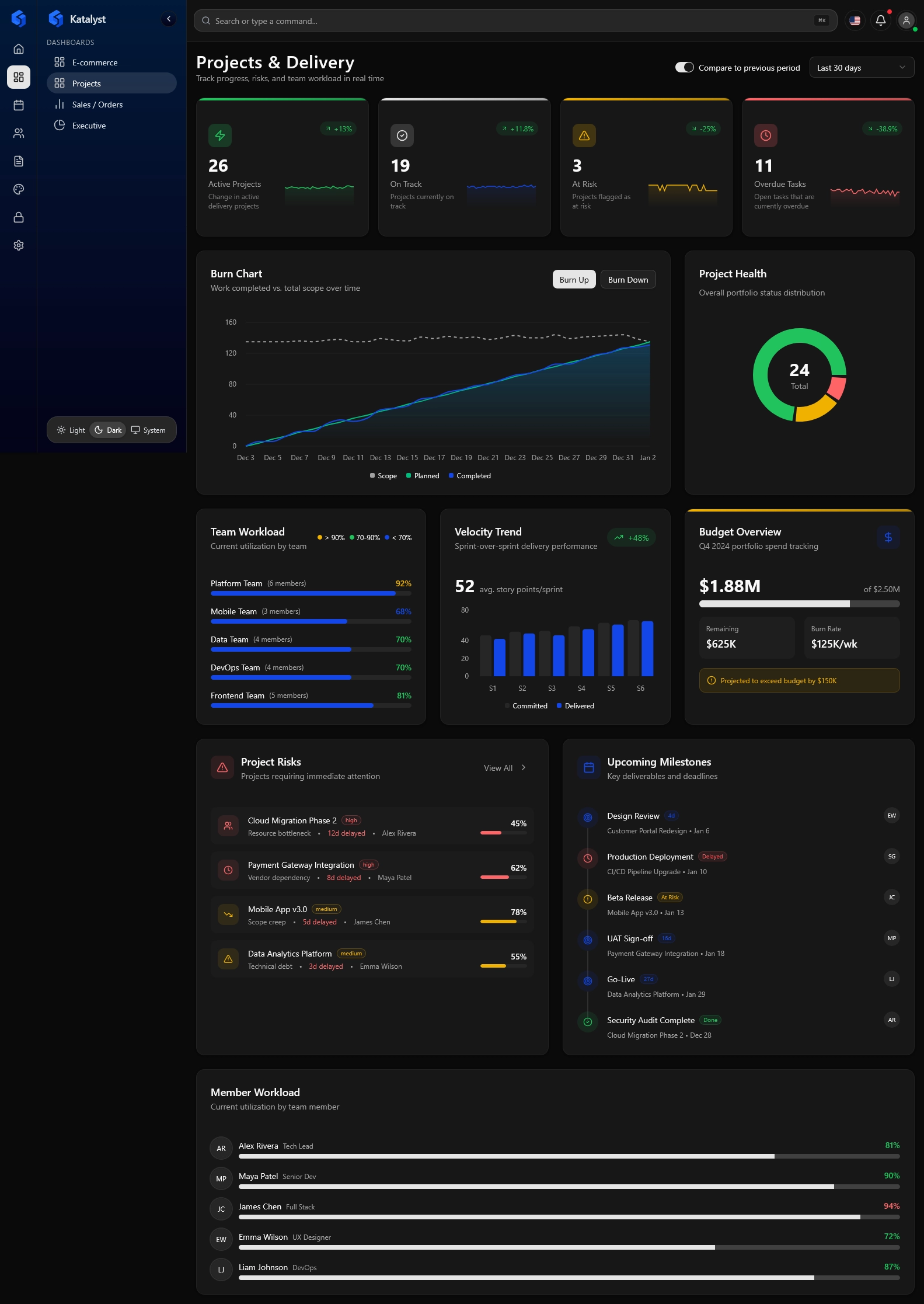
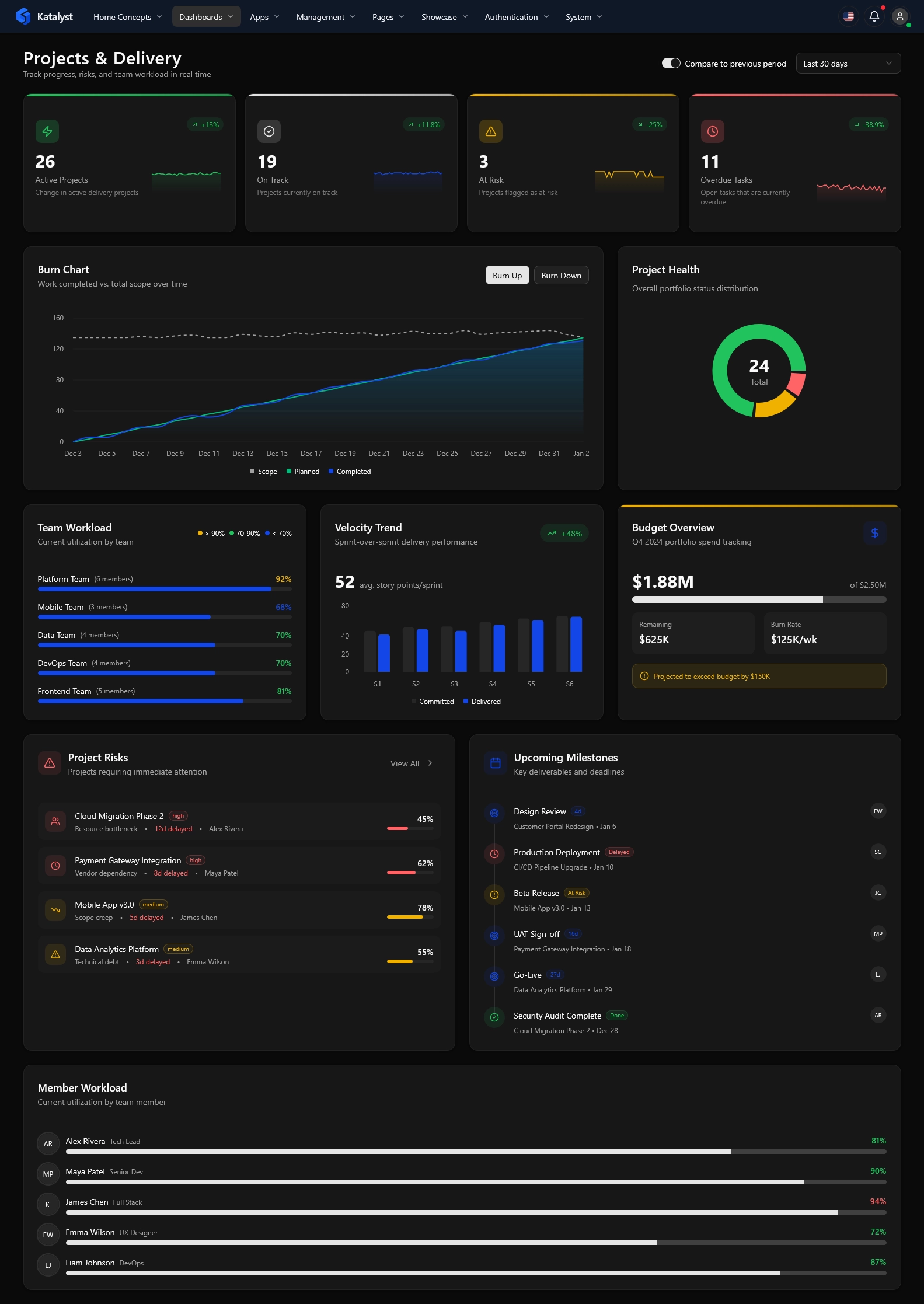
One Codebase.
Infinite Layouts.
The classic choice for deep hierarchies. Optimized for maximum screen real estate and quick navigation.
Best for data-heavy apps and analytics dashboards where horizontal width is premium.
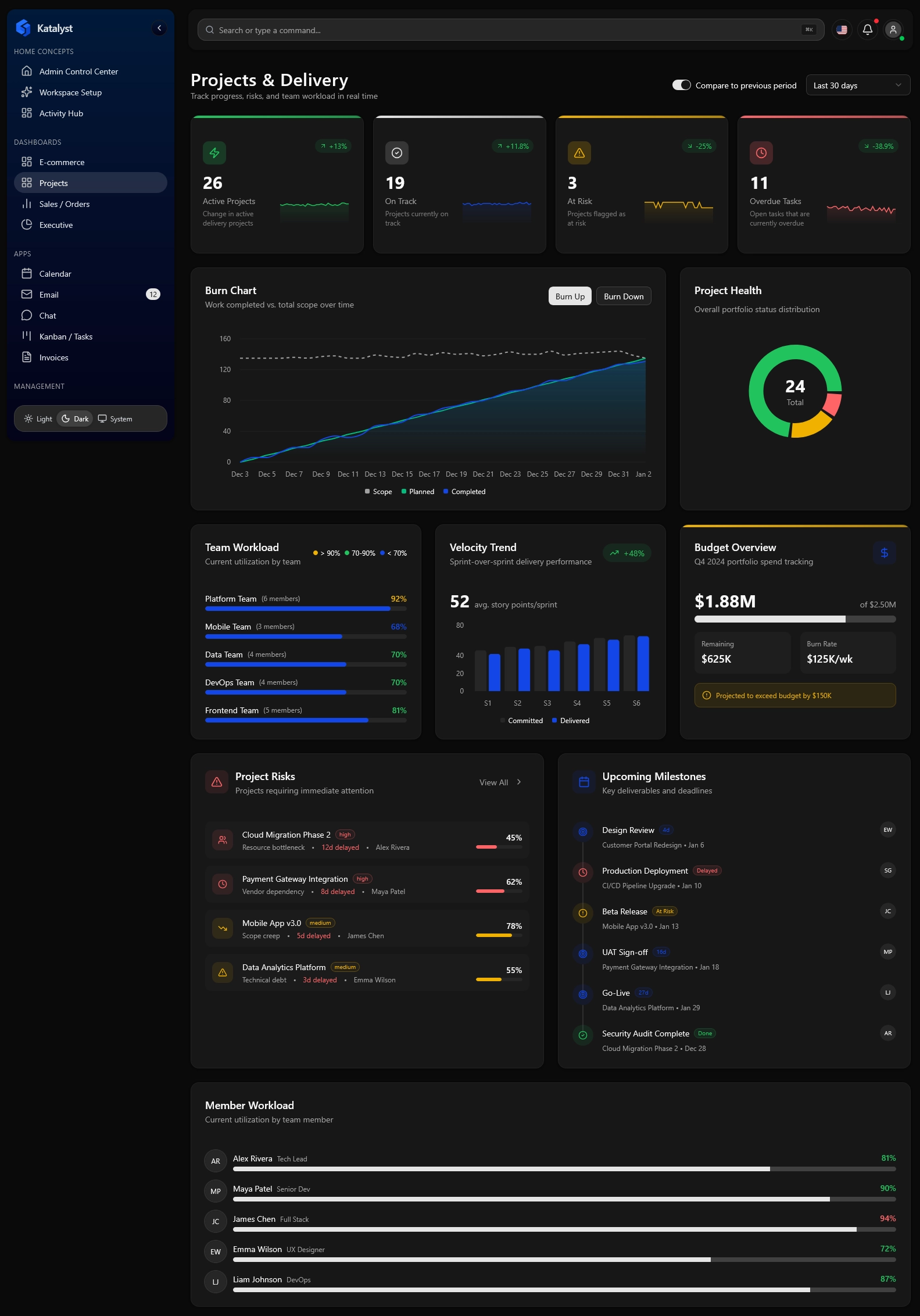
Floating
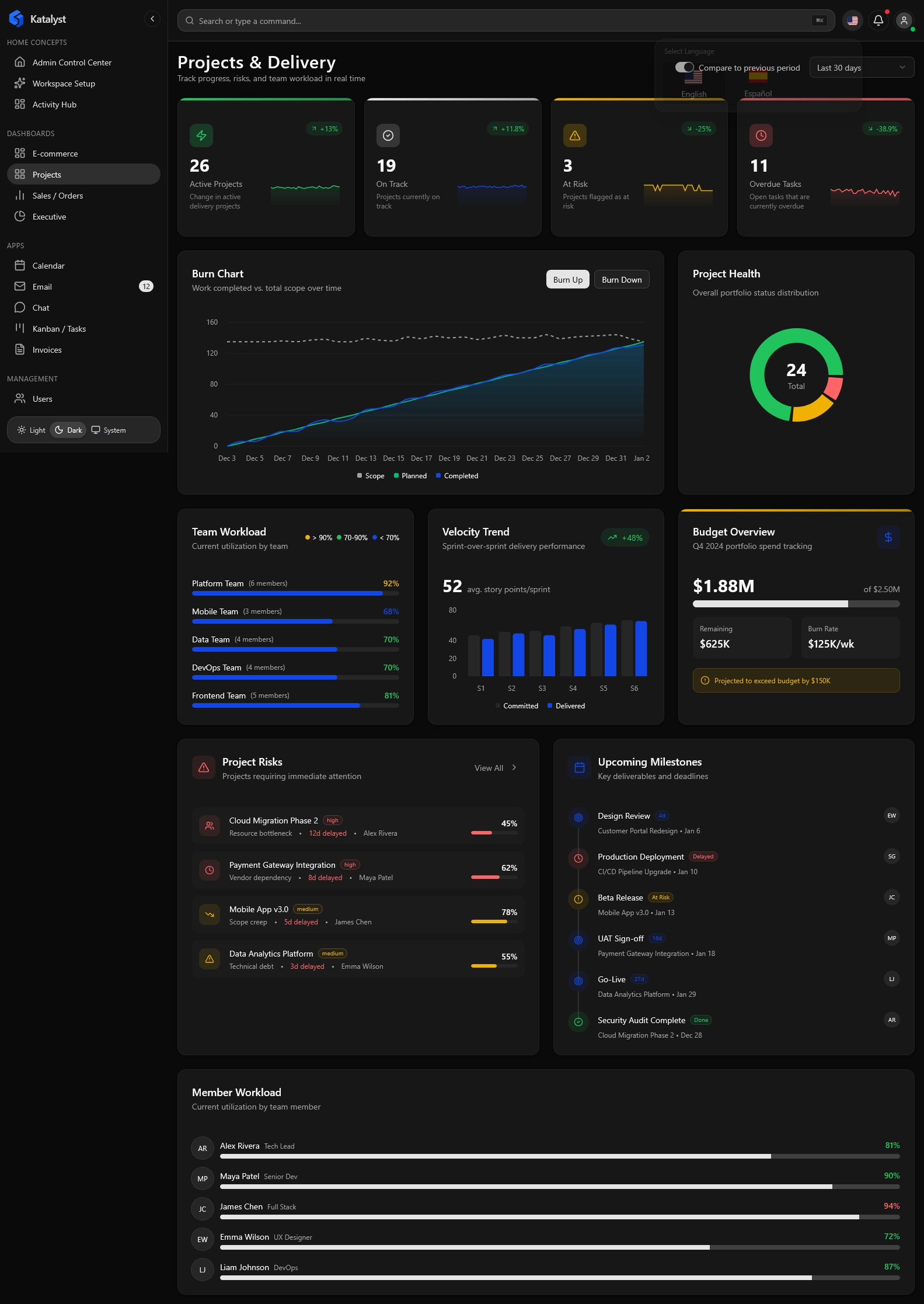
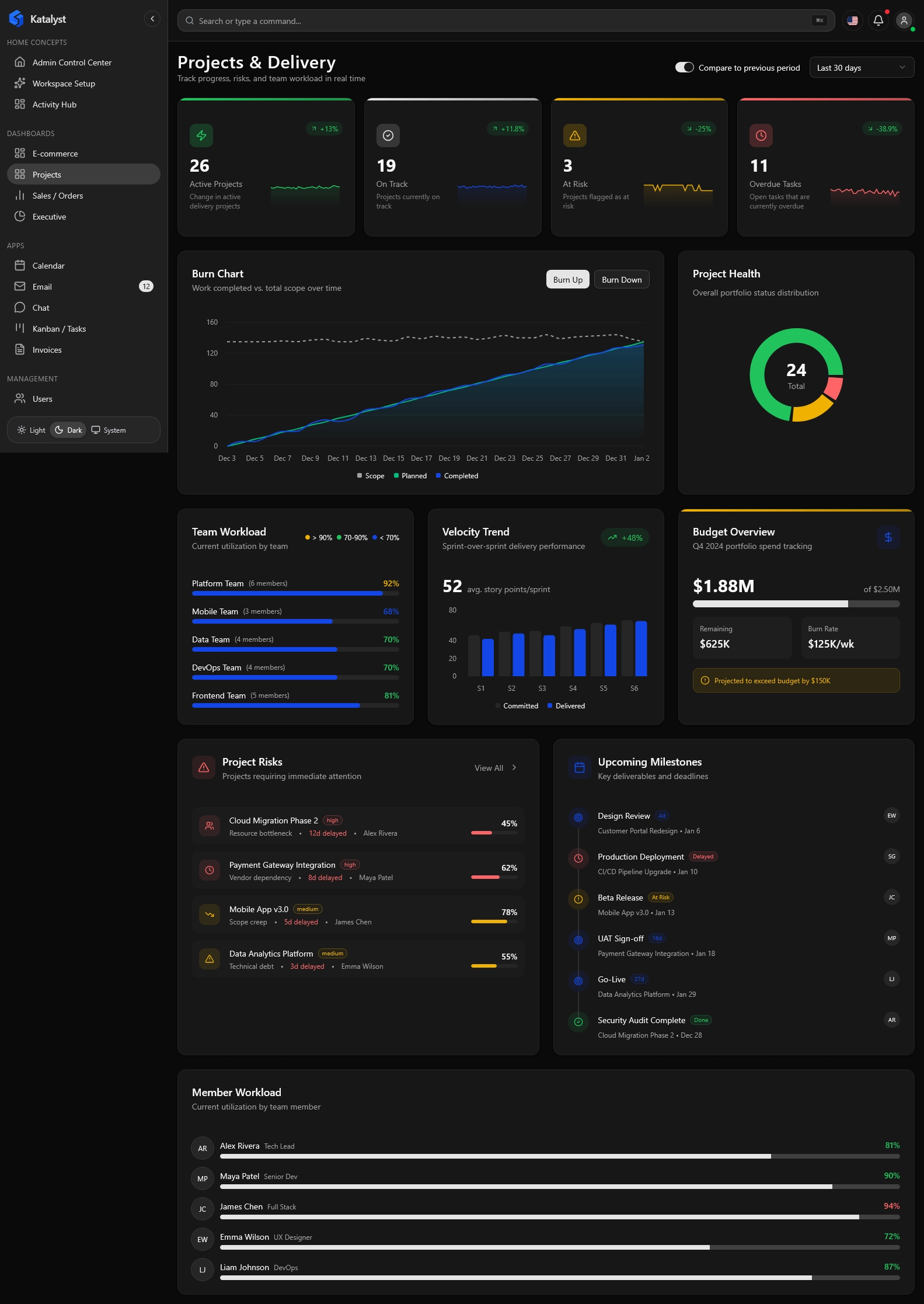
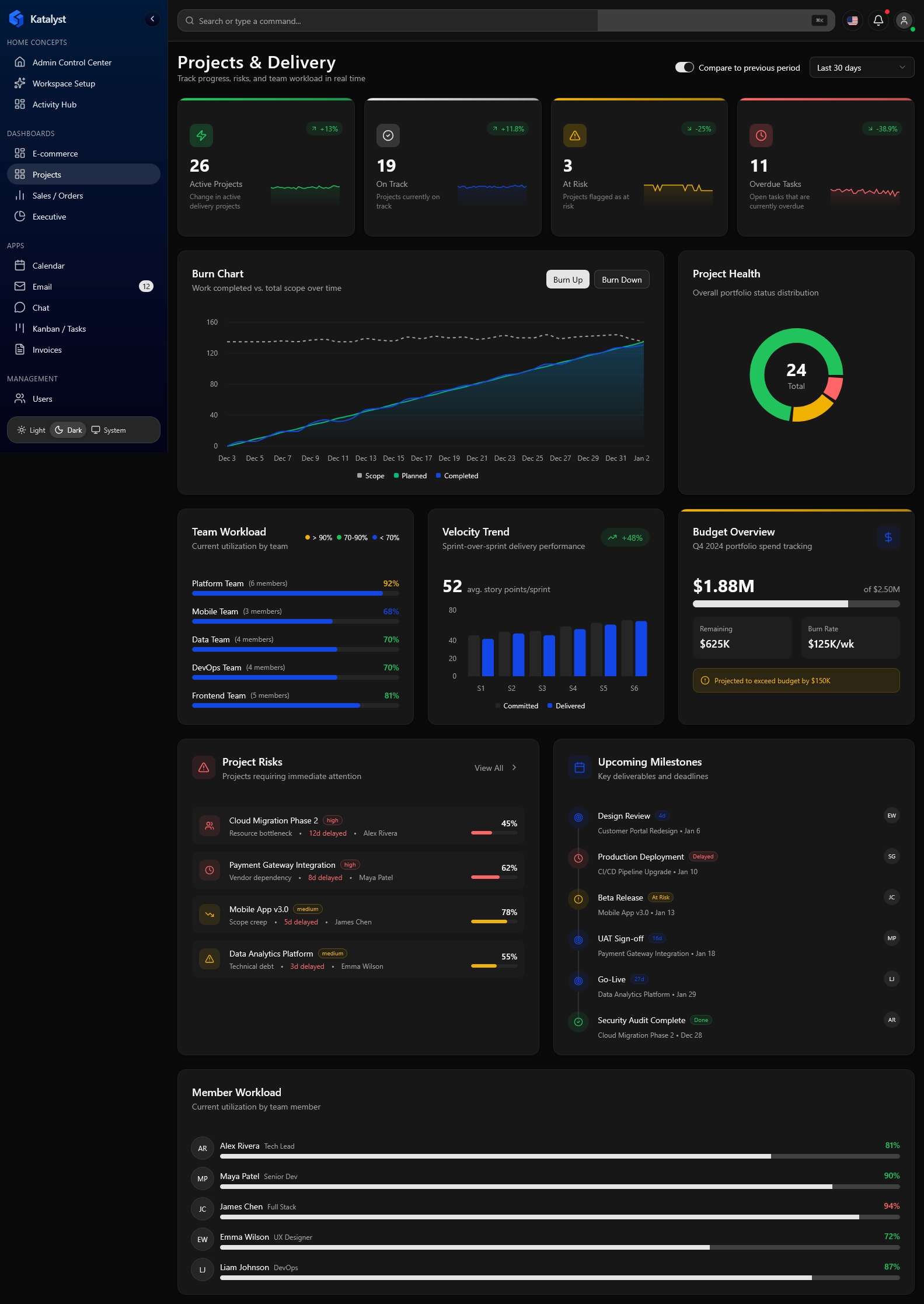
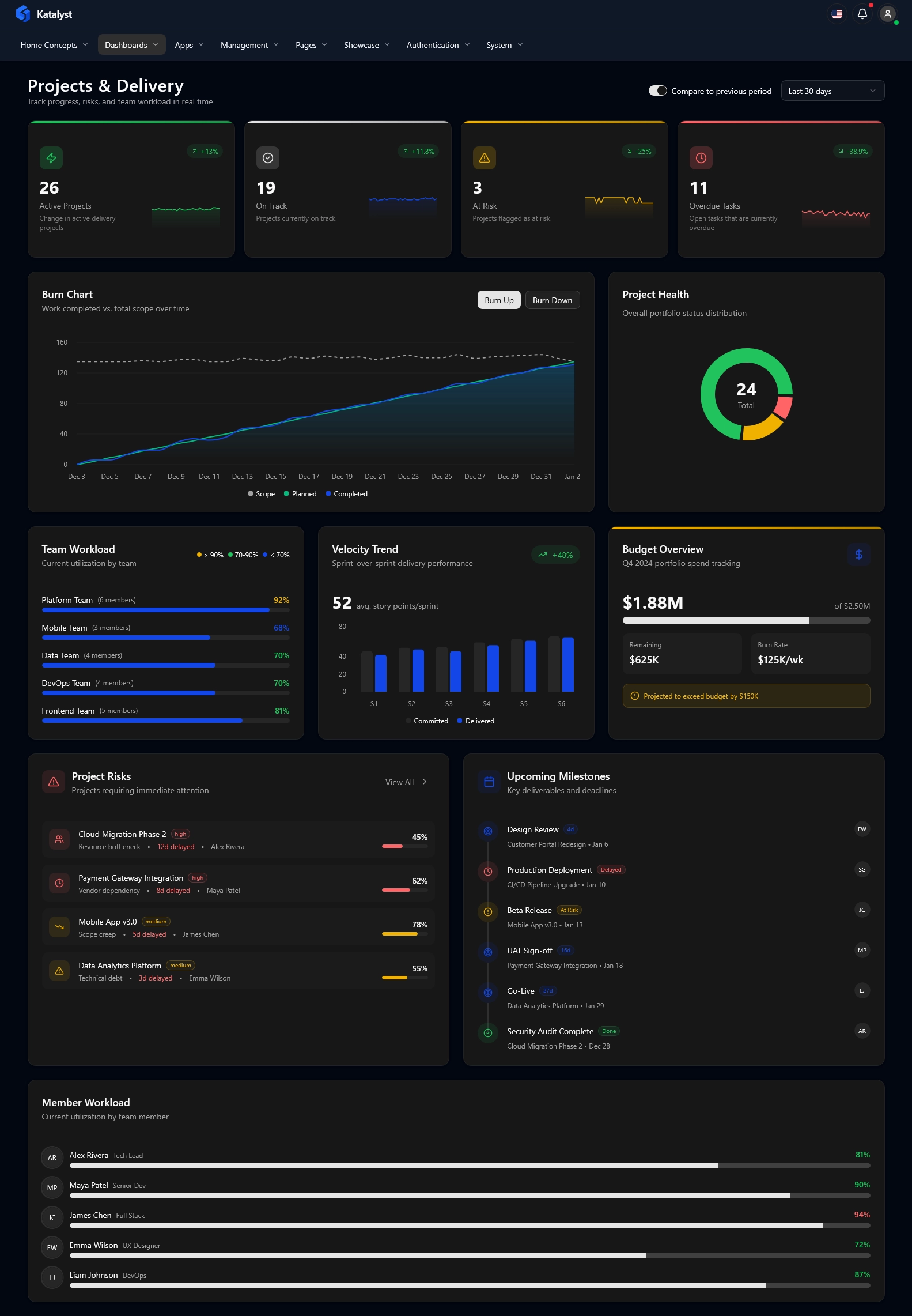
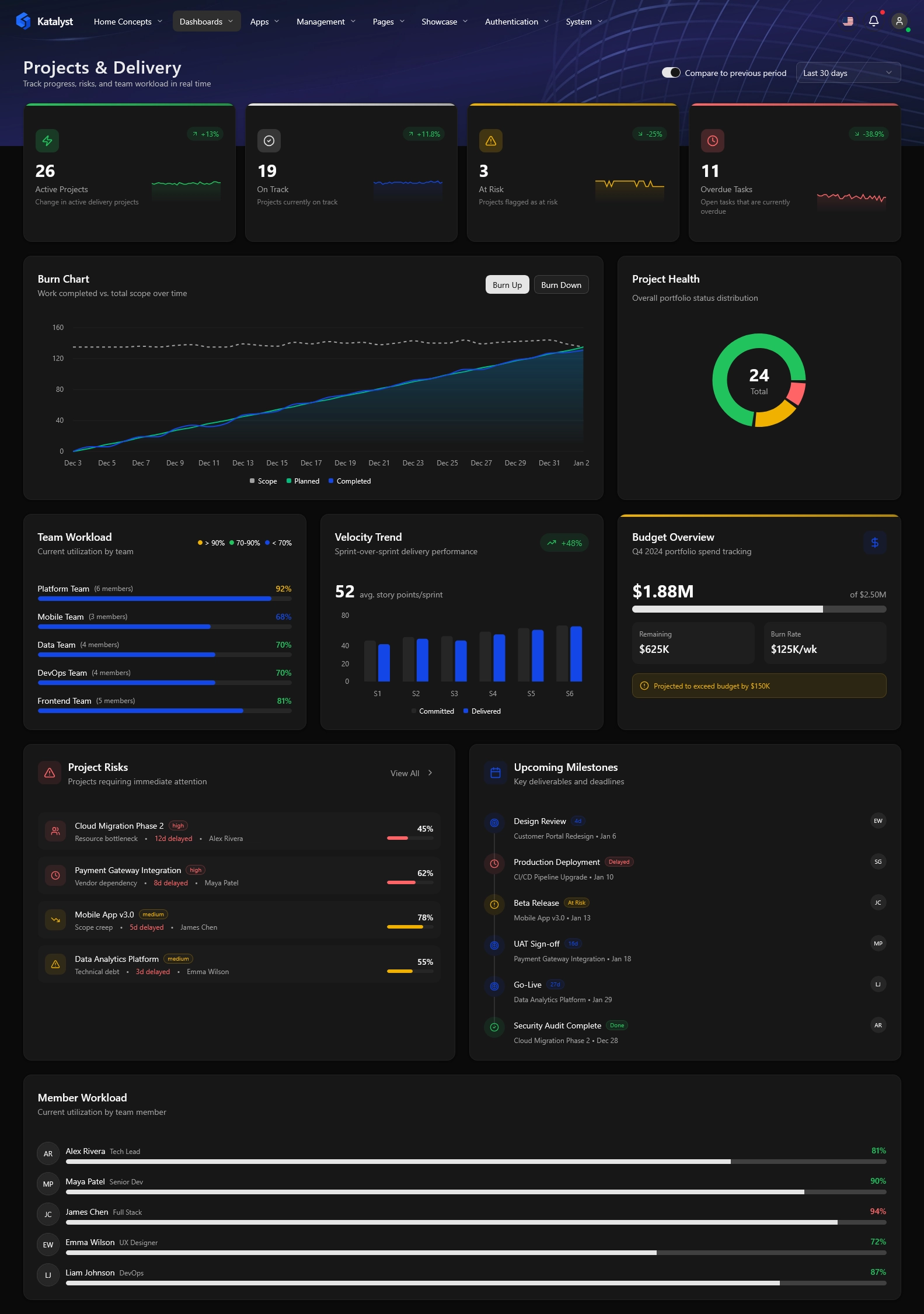
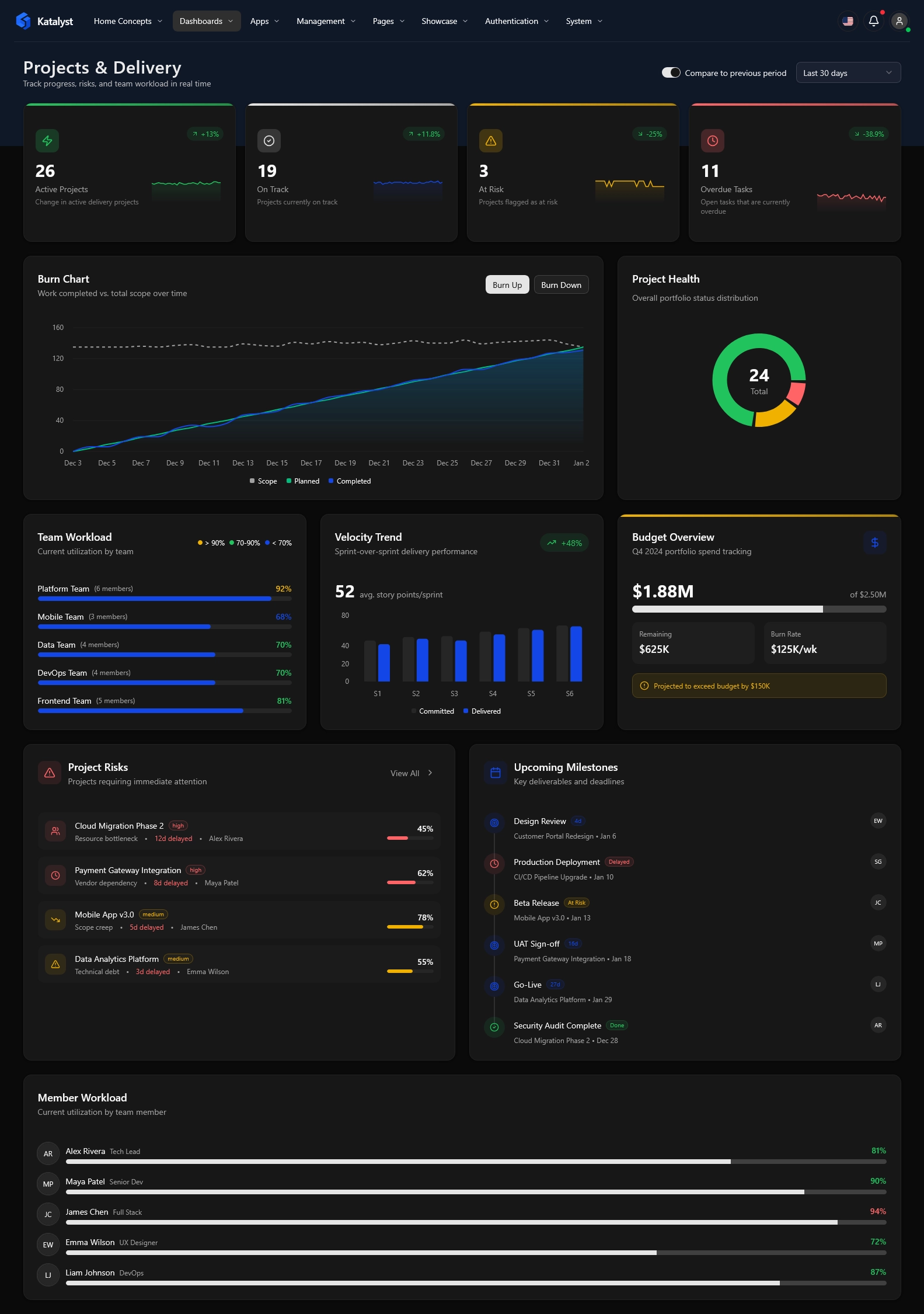
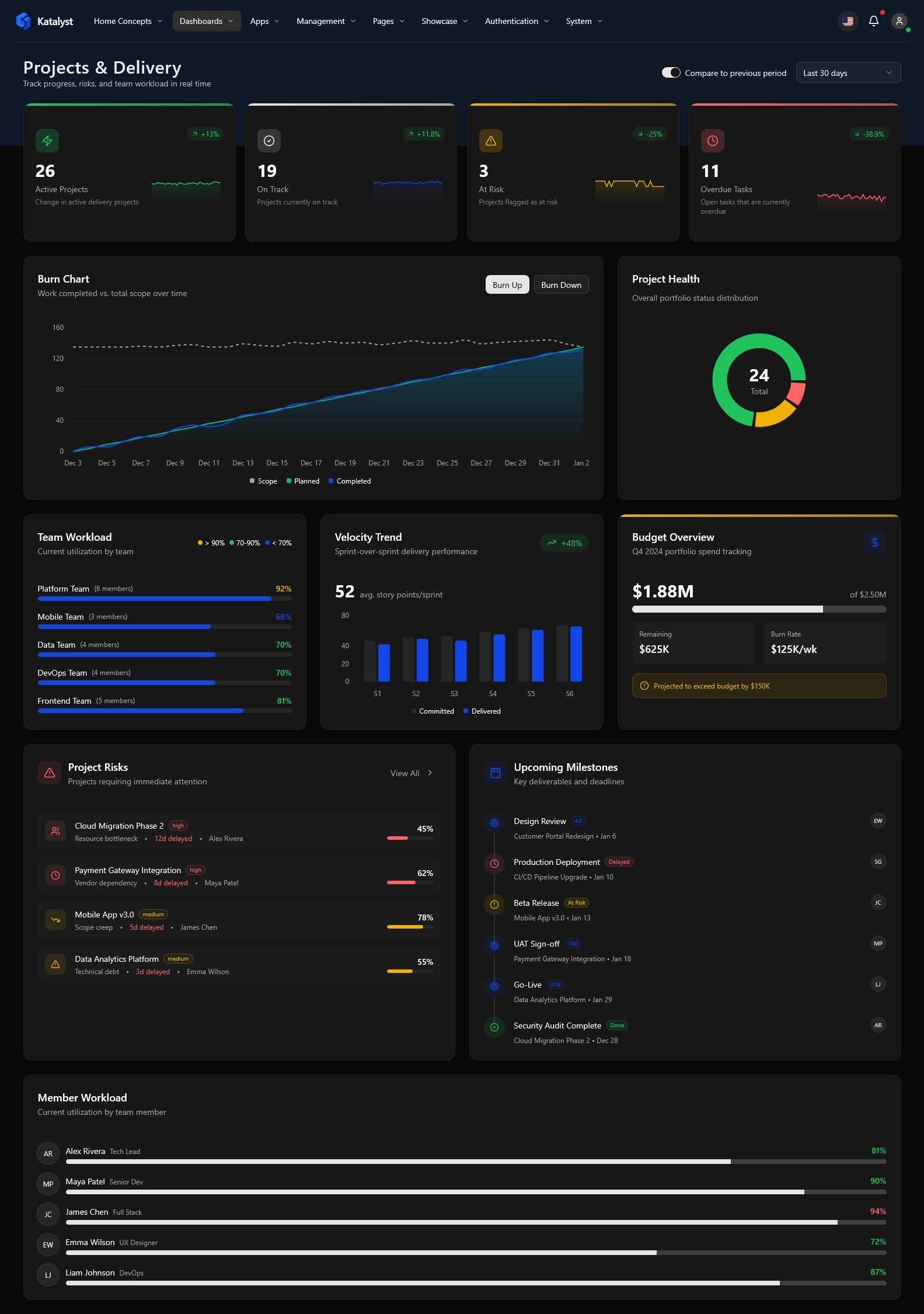
Works Out of the Box
Zero configuration required. Layouts are automatically handled by the LayoutProvider.
// 1. Wrap your app with LayoutProvider
<BrowserRouter>
  <LayoutProvider>
     <Routes>
        {/* 2. Wrap protected routes with AppLayout */}
        <Route element={<ProtectedRoute><AppLayout /></ProtectedRoute>}>
           {renderRoutes(appRoutes)}
        </Route>
     </Routes>
  </LayoutProvider>
</BrowserRouter>

// 3. The AppLayout creates the magic automatically
export const AppLayout: React.FC = () => {
  const { layoutMode } = useLayout();

  switch (layoutMode) {
    case 'vertical-boxed': return <VerticalBoxedLayout />;
    case 'horizontal-solid': return <HorizontalSolidLayout />;
    // ... all other variants handled automatically
  }
};50+ Screens Meticulously Crafted.
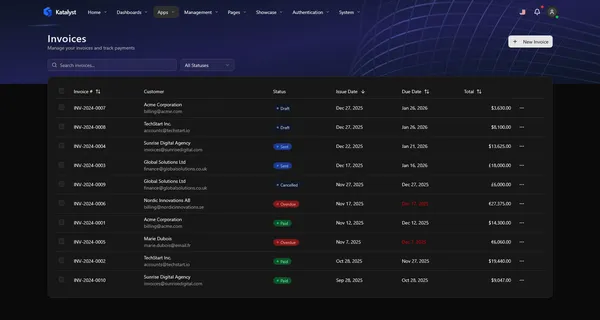
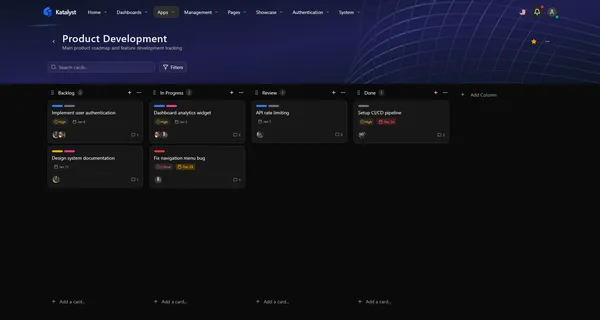
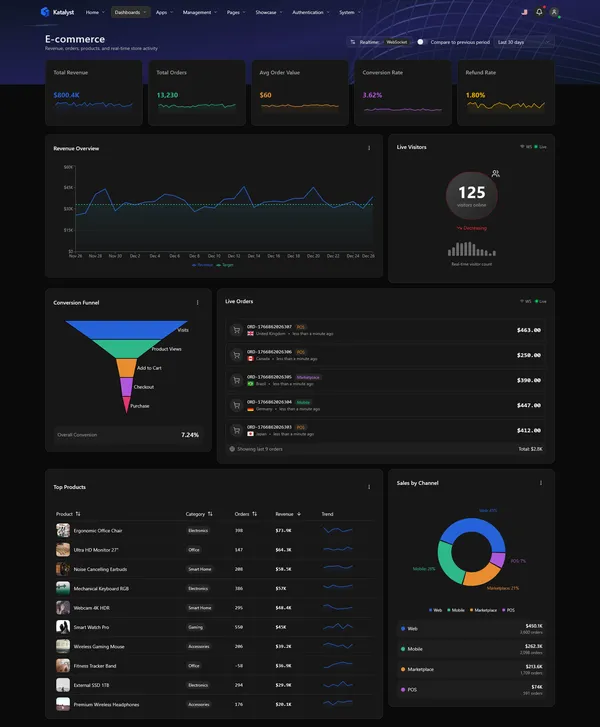
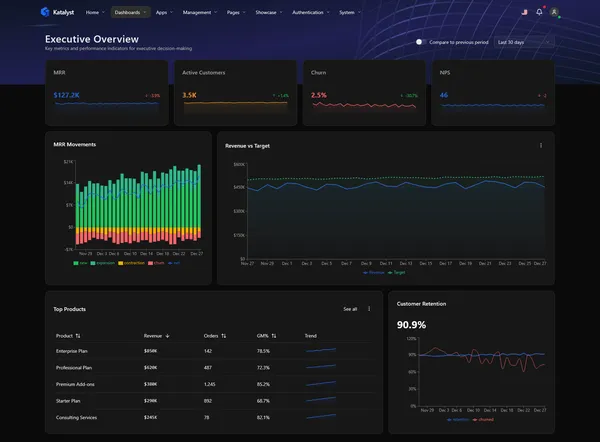
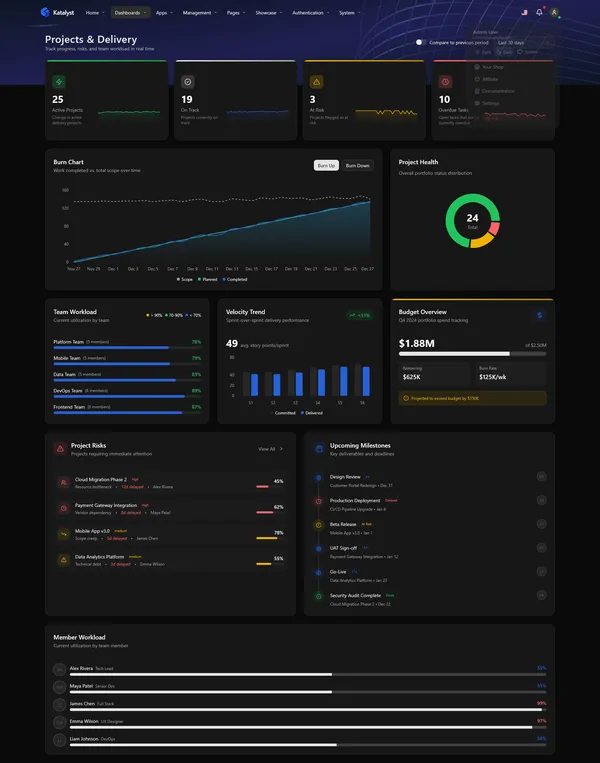
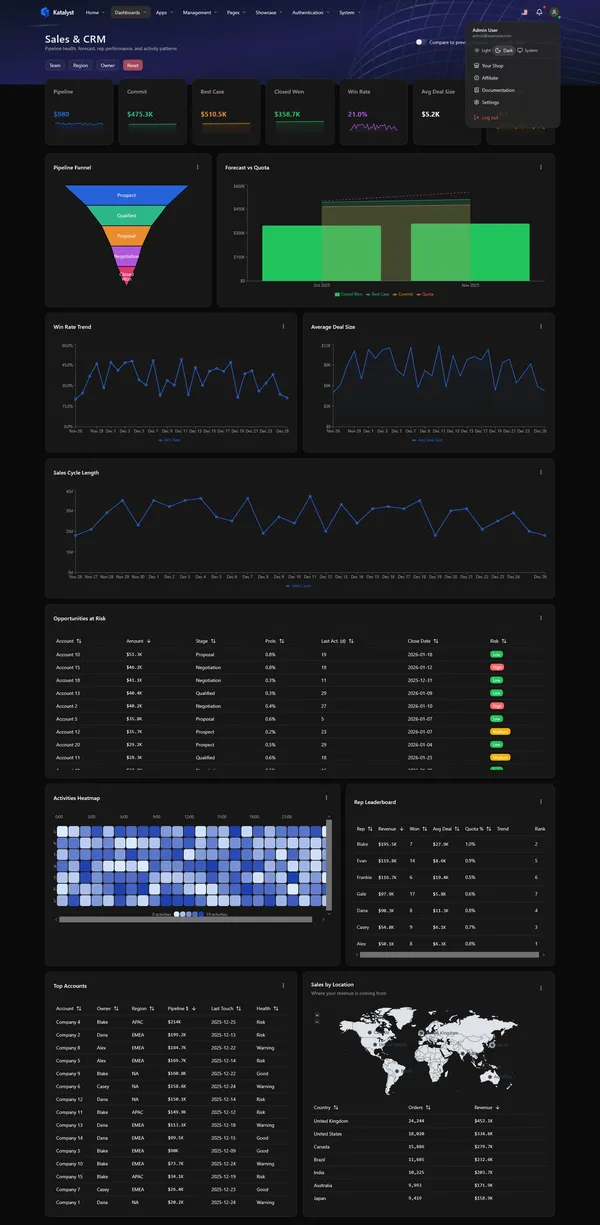
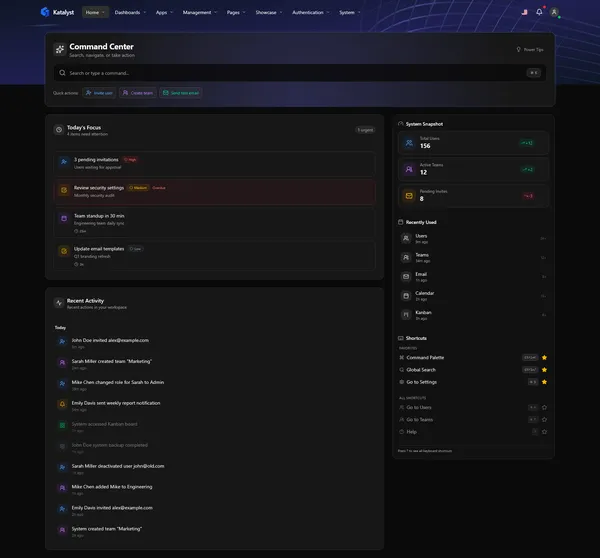
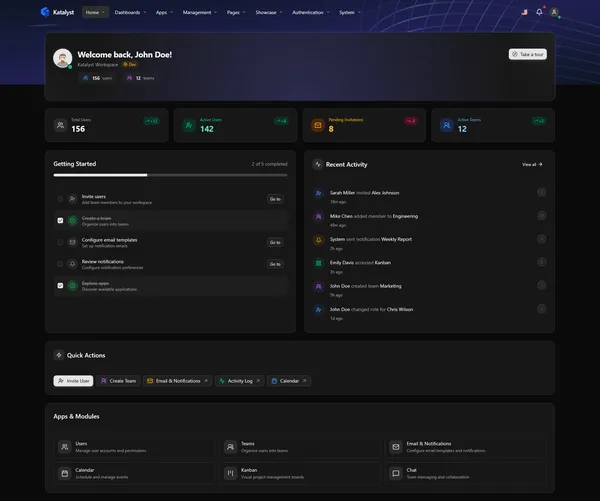
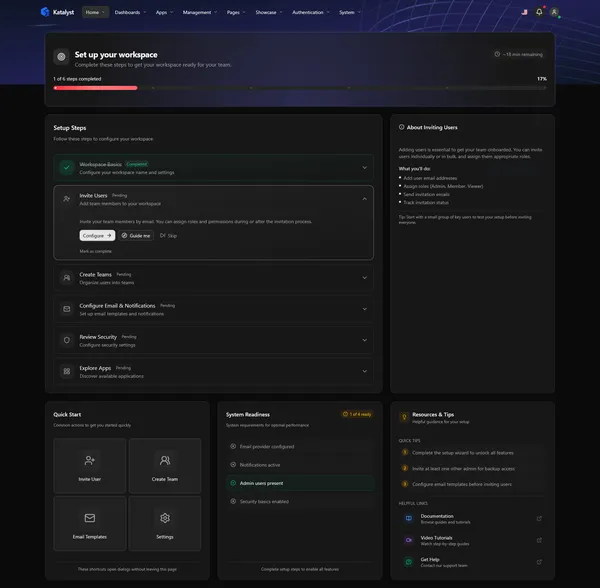
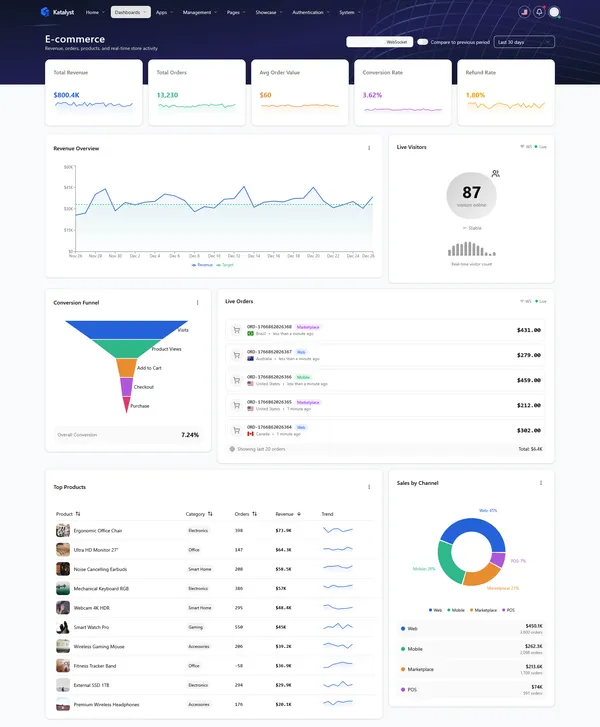
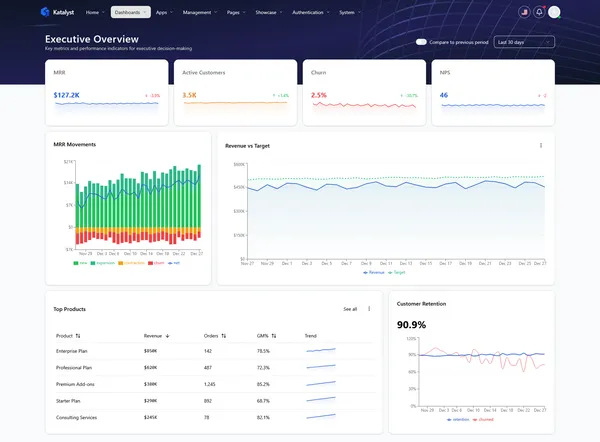
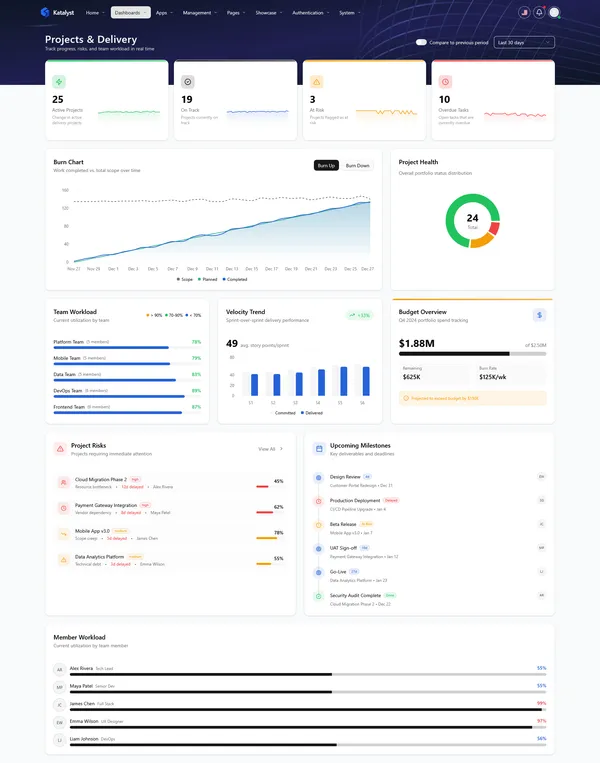
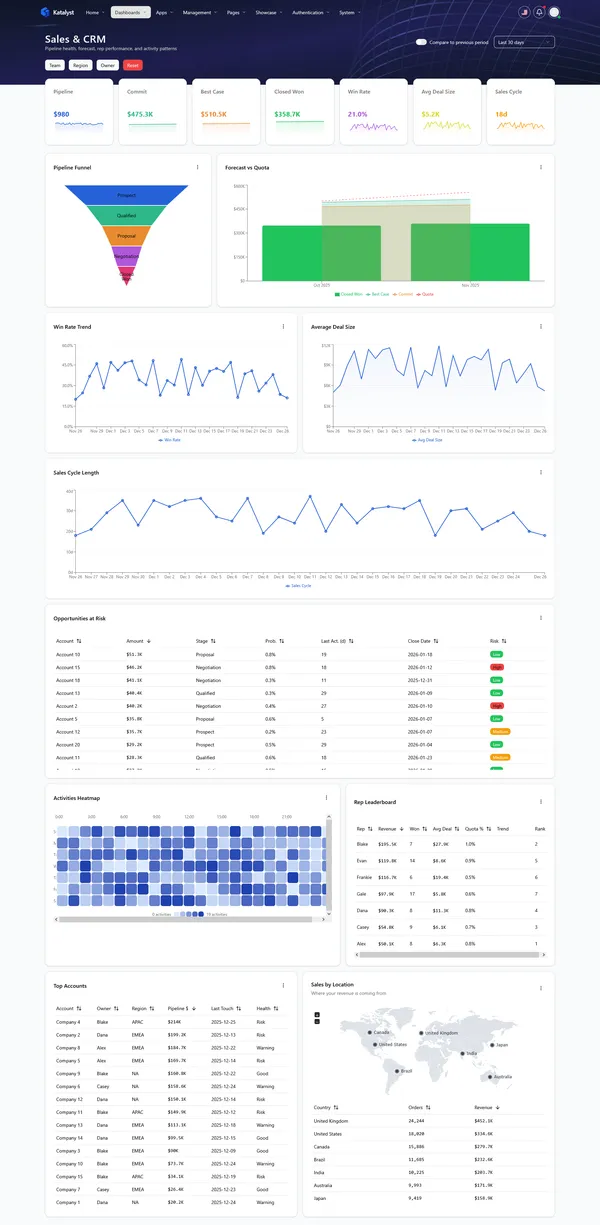
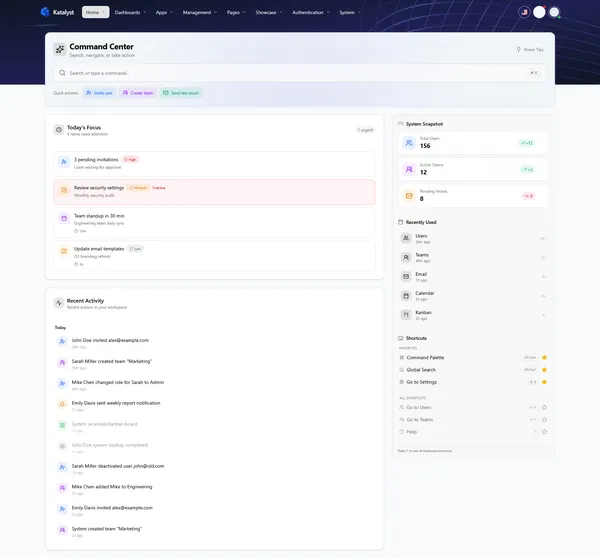
A Modern Stack You'll Actually Enjoy
Katalyst is built with the tools experienced React developers already know and love — no proprietary frameworks or lock-in.
Feature-Based Module Structure
Clean architecture with clear separation of concerns
src/modules/management/users/
├── application/
│   └── hooks/          # React Query hooks
├── di/
│   ├── container.ts    # DI bindings
│   └── symbols.ts      # DI symbols
├── domain/
│   ├── models/         # TypeScript interfaces
│   └── ports/          # Repository interfaces
├── infrastructure/
│   ├── mocks/          # MSW handlers
│   └── repositories/   # HTTP implementations
└── ui/
    ├── components/     # React components
    └── pages/          # Page components
React Query + DI Repository
Clean data fetching with automatic caching and type safety
// hooks/useUsers.ts
export function useUsersList() {
  const repository = useUsersRepository();
  return useQuery({
    queryKey: ['users', 'list'],
    queryFn: () => repository.getUsers(),
  });
}

// Usage in component
const { data, isLoading } = useUsersList();
Type-Safe Multi-Step Wizard
Built-in validation, step navigation, and form state
const steps: WizardStep<ProductValues>[] = [
  { id: 'info', title: 'Basic Info',
    render: (values, setValues) => (
      <Input value={values.name}
        onChange={(ev) => setValues({ name:
          ev.target.value })}/>
    )
  },
];

<Wizard steps={steps}
  onFinish={handleSubmit}/>
Inversify Dependency Injection
Testable, swappable dependencies with type safety
// di/symbols.ts
export const USERS_SYMBOLS = {
  IUsersRepository: Symbol.for('IUsersRepository'),
};

// di/container.ts
container
  .bind(USERS_SYMBOLS.IUsersRepository)
  .to(HttpUsersRepository)
  .inSingletonScope();

// Usage via hook
const repo = useUsersRepository();30+ Atomic Primitives, Styled and Ready
Every component is built on Radix UI primitives, styled with Tailwind, and designed to work together seamlessly.
Live Preview
Recent Activity
Success
Your changes have been saved successfully.
Warning
Your subscription is expiring in 3 days.
Interactive Charts preview unavailable in static mode
Start Building Today
Katalyst accelerates any project that needs an admin interface. Here's what teams are building:
SaaS Admin Portals
User management, subscription billing, usage analytics, and settings.
Customer Dashboards
Give customers a branded portal to view data and manage accounts.
Internal Operations
HR dashboards, support tickets, inventory, financial reporting.
Analytics Platforms
Executive dashboards, sales performance, marketing metrics.
Client Projects
Deliver admin interfaces faster with customizable themes.
MVP & Prototypes
Validate ideas with a professional-looking admin UI.
Code-First Developer Experience
See how easy it is to work with Katalyst. Real code examples from the template showing patterns you'll use every day.
Typed Data Fetching
Stop guessing types. We combine TanStack Query with typed repository interfaces for bulletproof data access.
// 1. Defined Typed Repository Contract
export interface IUsersRepository {
  getUsers(params: UserFilters): Promise<PaginatedResponse<User>>;
  getUserById(id: string): Promise<User>;
  updateUser(id: string, data: UpdateUserDTO): Promise<User>;
}

// 2. Wrap in React Query Hook
export function useUsersList(filters: UserFilters) {
  const repository = useUsersRepository(); // Injected via Context/DI

  return useQuery({
    queryKey: ['users', 'list', filters],
    queryFn: () => repository.getUsers(filters),
    placeholderData: keepPreviousData, // No flickering on filter change
  });
}

// 3. Usage in Component (Fully Typed)
function UsersTable() {
  const { data, isFetching } = useUsersList({ status: 'active' });

  // data.items is strongly typed as User[]
  return <DataTable data={data?.items ?? []} isLoading={isFetching} />;
}
Smart Forms + Validation
React Hook Form + Zod schema validation. Complex forms made simple with type inference.
// 1. Define Schema with Zod
const productSchema = z.object({
  name: z.string().min(2, "Name is required"),
  price: z.coerce.number().min(0.01),
  category: z.enum(['electronics', 'clothing']),
  attributes: z.array(z.object({ key: z.string(), value: z.string() }))
});

type ProductForm = z.infer<typeof productSchema>;

// 2. Create Form
export function CreateProductForm() {
  const { register, handleSubmit, control, formState: { errors } } = useForm<ProductForm>({
    resolver: zodResolver(productSchema),
    defaultValues: { attributes: [] }
  });

  const onSubmit = (data: ProductForm) => {
    // 'data' matches API expected DTO exactly
    createProductMutation.mutate(data);
  };

  return (
    <form onSubmit={handleSubmit(onSubmit)} className="space-y-4">
      <Input label="Name" {...register('name')} error={errors.name?.message} />
      <SelectController control={control} name="category" options={CATEGORIES} />

      {/* Nested Field Array logic handles dynamic attributes... */}
      <Button type="submit" isLoading={isSubmitting}>Create Product</Button>
    </form>
  );
}
Powerful DataTables
A wrapper around TanStack Table (v8) that handles sorting, pagination, and multi-selection via props.
// Column definitions are fully typed based on your Row data
const columns: ColumnDef<Order>[] = [
  {
    accessorKey: 'id',
    header: 'Order ID',
    cell: ({ getValue }) => <span className="font-mono">#{getValue()}</span>
  },
  {
    accessorKey: 'total',
    header: ({ column }) => <SortableHeader column={column} title="Amount" />,
    cell: ({ row }) => formatCurrency(row.getValue('total'))
  },
  {
    accessorKey: 'status',
    header: 'Status',
    cell: ({ row }) => <StatusBadge status={row.original.status} />
  },
  {
    id: 'actions',
    cell: ({ row }) => <RowActionsMenu order={row.original} />
  }
];

// Verify easy implementation
<DataTable
  columns={columns}
  data={orders}
  pageCount={pageCount}
  onPaginationChange={setPagination} // Server-side pagination ready
  onRowSelectionChange={setSelectedRows}
  toolbar={<OrdersToolbar />}
/>
Route Protection (Auth)
Declarative route guards to handle authentication and role-based access control (RBAC).
// src/routes/app.tsx
export const appRoutes = [
  {
    path: '/admin',
    element: (
      // Protect entire admin section
      <AuthGuard requireRole="admin">
        <AdminLayout />
      </AuthGuard>
    ),
    children: [
      { path: 'dashboard', element: <Dashboard /> },
      { path: 'users', element: <UsersList /> }
    ]
  }
];

// AuthGuard Implementation (Simplified)
export function AuthGuard({ children, requireRole }: Props) {
  const { user, isAuthenticated, isLoading } = useAuth();
  const location = useLocation();

  if (isLoading) return <FullPageSpinner />;

  if (!isAuthenticated) {
    return <Navigate to="/login" state={{ from: location }} replace />;
  }

  if (requireRole && user.role !== requireRole) {
    return <Navigate to="/unauthorized" replace />;
  }

  return children;
}
Layout Composition
Robust layout wrappers that handle loading states, empty states, and error boundaries automatically.
export function ProjectsPage() {
  const { data, isLoading, isError, refetch } = useProjects();

  // The PageLayout handles the "boring" stuff so you focus on content
  return (
    <PageLayout
      title="Projects"
      subtitle="Manage your team's ongoing work"
      actions={<Button onClick={newProject}>+ New Project</Button>}

      // Automatic state handling
      isLoading={isLoading}
      loadingComponent={<ProjectsSkeleton />}

      isError={isError}
      errorComponent={<ErrorState onRetry={refetch} />}

      isEmpty={data?.length === 0}
      emptyComponent={
        <EmptyState
          icon="folder"
          title="No projects yet"
          action={{ label: 'Create First Project', onClick: newProject }}
        />
      }
    >
      {/* Only renders when data is ready */}
      <ProjectGrid projects={data} />
    </PageLayout>
  );
}What Designers & Developers Say About Our Work
Don't just take our word for it — hear from the designers, developers, and businesses who trust 5studios.
"Happy with the angular theme + support is very responsive and hunded down the problem I had with reusing one of the angular components. Great!"
"Love this template! The best I've used... Design, Code, Flexibility, everything is awesome."
"Best theme I've ever seen in the ThemeForest sandbox. Well designed and well code quality( finally someone knows how to code )"
"Most amazing customer support. Very knowledgeable, they emanate expertise in their field in every response. Code quality is the best you can find. I am totally impressed."
"I am highly impressed by the Support service of these guys. I had few issues getting the forms working. The Support person/s was extremely helpful in quickly figuring out the changes I needed to do in the code. Thanks heaps!"
The Foundation That Reduces Risk, Not Just Setup Time
Not all admin templates are created equal. While many options look good on the surface, they often hide technical debt, inconsistent architecture, or costly setup work. Katalyst is built as a production-ready foundation — designed to help teams move faster, scale confidently, and avoid the long-term costs that come with rushed or improvised solutions.
 Katalyst
 Time to Market
Speed from purchase to production
Architecture
Code organization & scalability
UI Foundation
Accessibility & component base
Data Synchronization
Server state management
Type Safety
TypeScript reliability
Maintainability
Long-term ease of change
Scalability
Ability to grow features & teams
Decision Overhead
Early technical decisions required
*Greenfield development can outperform any baseline, given sufficient time, budget, and architectural discipline.
One License. Unlimited Potential.
Katalyst is available exclusively on ThemeForest.
Frequently Asked Questions
You receive the complete source code — all React components, TypeScript types, Tailwind styles, and configuration files. Everything shown in the demo is included, ready to customize and connect to your backend.
React 19, Vite 7, TypeScript 5.9, Tailwind CSS 4, TanStack Query, React Router 7, Radix UI, React Hook Form, Zod, Recharts, Framer Motion, i18next, and MSW for API mocking.
Absolutely. Katalyst is designed as a production-ready starting point. The architecture follows best practices for scalability, and all components are built with accessibility in mind.
The Regular License covers one end product. For multiple projects or clients, you'll need a license for each. ThemeForest's licensing terms apply.
Katalyst uses React Query hooks that call API endpoints. Replace the MSW mock handlers with your real API calls. The data layer is cleanly separated, making integration straightforward.
Yes. Every component and screen is designed for both light and dark themes. Theme switching is built-in and persists to localStorage.
All layouts are fully responsive. Dashboards use a 12/8/1 column grid system that adapts to desktop, tablet, and mobile.
Yes. ThemeForest buyers receive 6 months of support for template-related questions. We're here to help you get Katalyst integrated into your project.
Stop Rebuilding. Start Shipping.
Katalyst gives you months of dashboard development in a single download. Clean code, modern stack, production-ready.